Flield
A browser tool that draws three color pixel art from seeded flow fields, exporting to PNG, SVG or GIF.
Summary
Overview
Flield is a browser tool that generates three color pixel art from seeded flow fields. A background and two independently configurable layers, each shaped by its own noise field and its own texture, export to PNG, SVG, or an animated GIF that loops back into its first frame with no cut. There is no build step and no dependency to install. Open the file and it runs, with the network off if you like. The name is a contraction of flow field, the mechanic the whole thing turns on.
Challenge
You need a placeholder graphic or a background texture, and you do not want to open a design tool or dig through stock photos to get one. A stock library is finite, and it was built for someone else's palette, so close is the best it can do. The problem was never a better library. It was art made from a brand's own colors, with no limit on how many you can have.
Process
A string seed hashed to a 32 bit integer, feeding a small deterministic PRNG. Same seed in, same image out, on any machine. Everything after this point inherits that property, which is what makes a composition shareable as a URL rather than a file.
The decision that mattered most came first: decoupling the canvas pixel size from the grid cell count. A 3000 by 2000 canvas at a 20px block is a 150 by 100 grid underneath. Every feature added later, the flow field, the second layer, the live favicon, inherited that cheapness for free.
Symmetry runs as a pass after generation rather than a mode inside it, so seven of the eight modes ship without their own implementation. Shape masks treat their boundary as a probability gradient instead of a hard line, for reasons the mask section gets to.
A dark theme with a full light variant, a thirteen step tutorial that opens itself on a first visit, per field locks so a randomize pass can hold some settings and re roll the rest, and toast confirmations for anything that changes state off screen.
A Generator, Not a Library
Flield generates against a palette directly, hue, saturation and lightness ranges included, so there is no upper bound on how many correct variations one palette can produce. Swap in a brand's color range, seed a batch, export the one that fits.
Set a motion preset and the same composition becomes a looping background. That turned into the quiet workhorse: a moving backdrop or a hover state that never needed an animator's time.
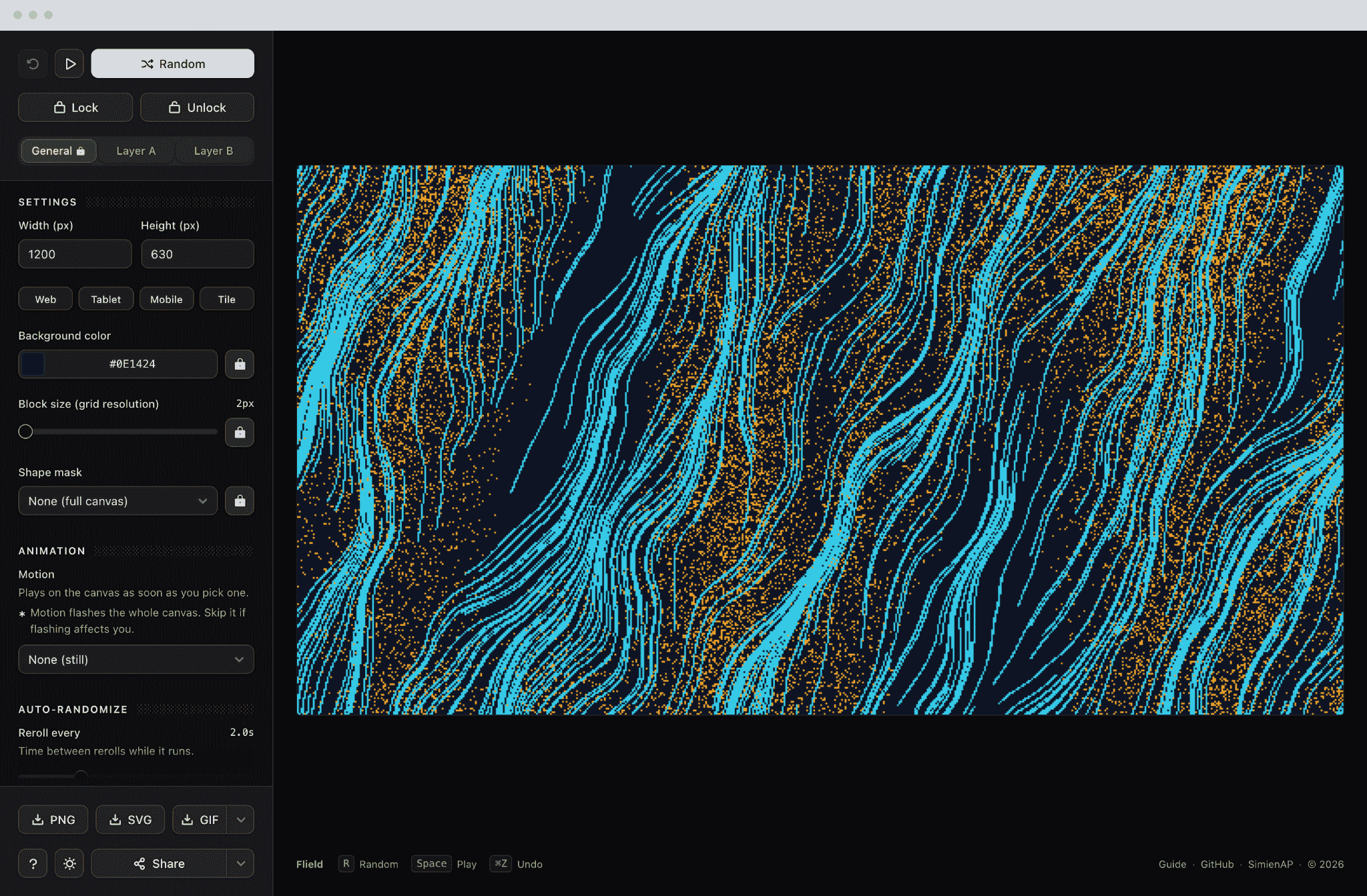
The Control Panel
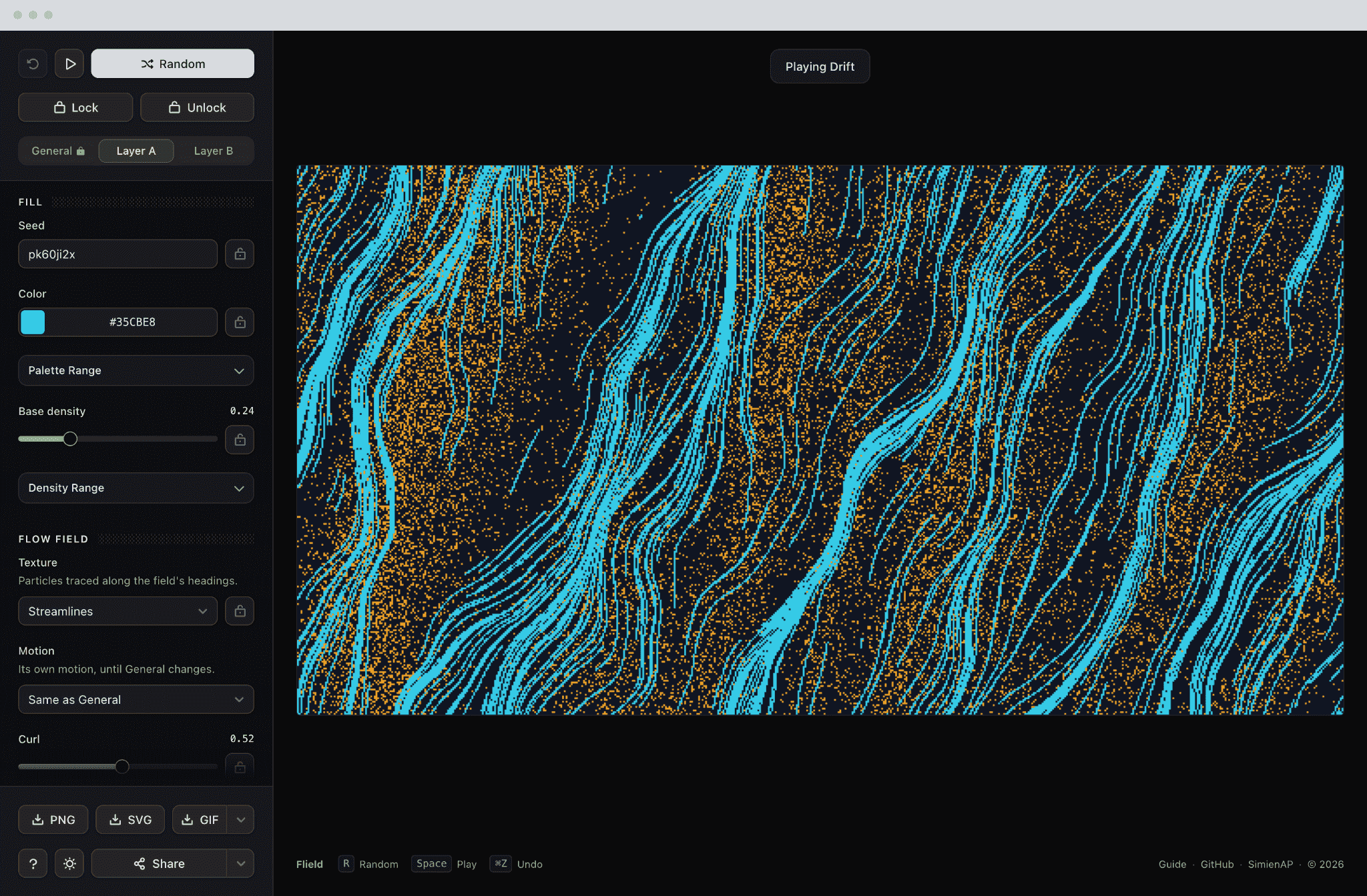
Density of controls was the standing problem. Forty of them sit across three tabs, and the canvas has to stay in view while any one moves.
A layer is more than a color and a density. It carries its own seed, its own palette window, its own flow texture and its own curl, so two layers on one canvas are two independent compositions sharing a frame.
The light theme was drawn, not inverted. The canvas is the one thing that does not change between them, because the artwork has to be judged against what it will sit on.
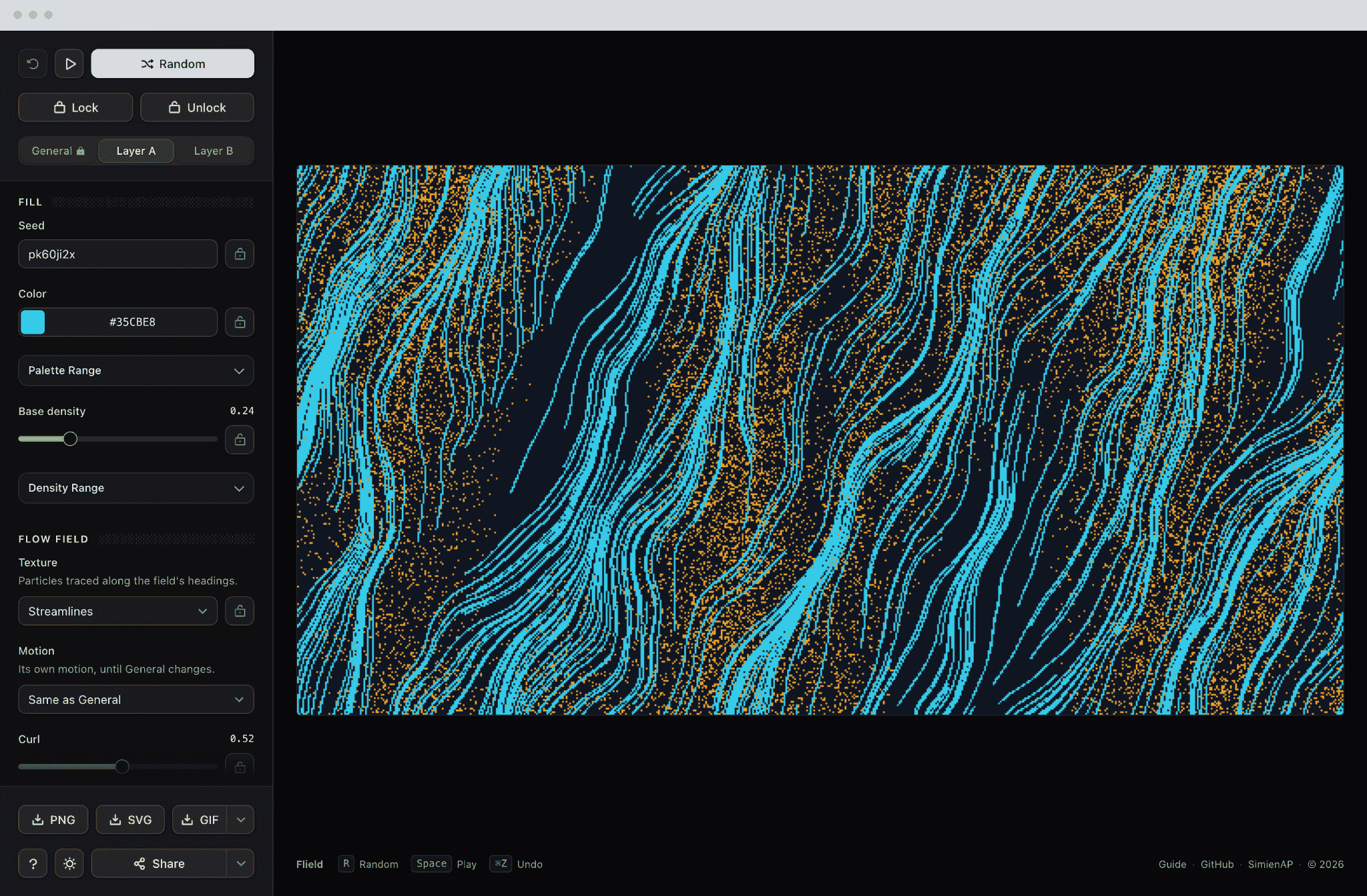
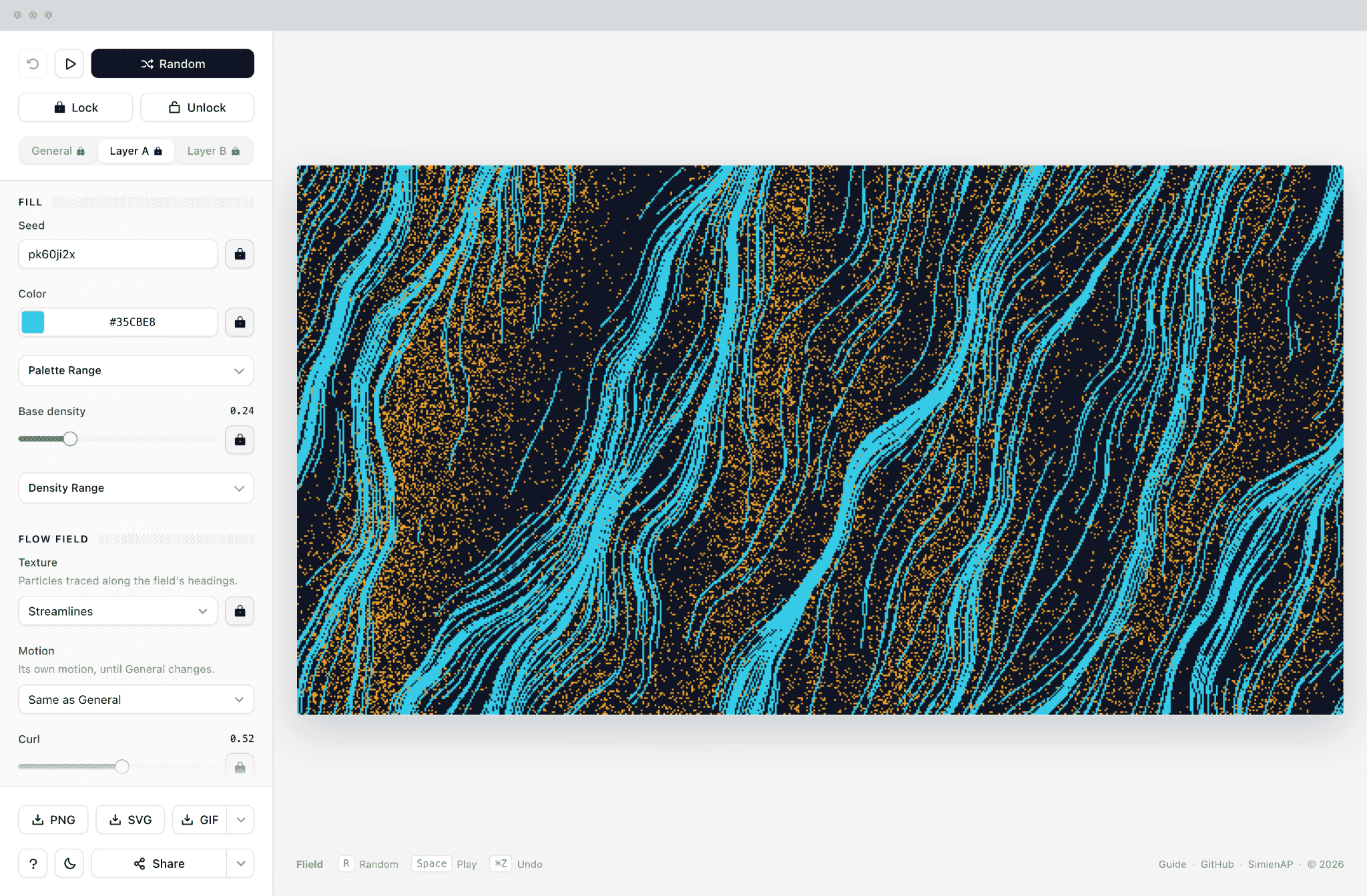
What Each Control Decides
A lock is a small icon beside a field, a palette window looks like any other collapsed section, and a flow texture reads as one more select. Nothing on the screenshot says which four of the forty carry the ideas, so the panel is annotated.
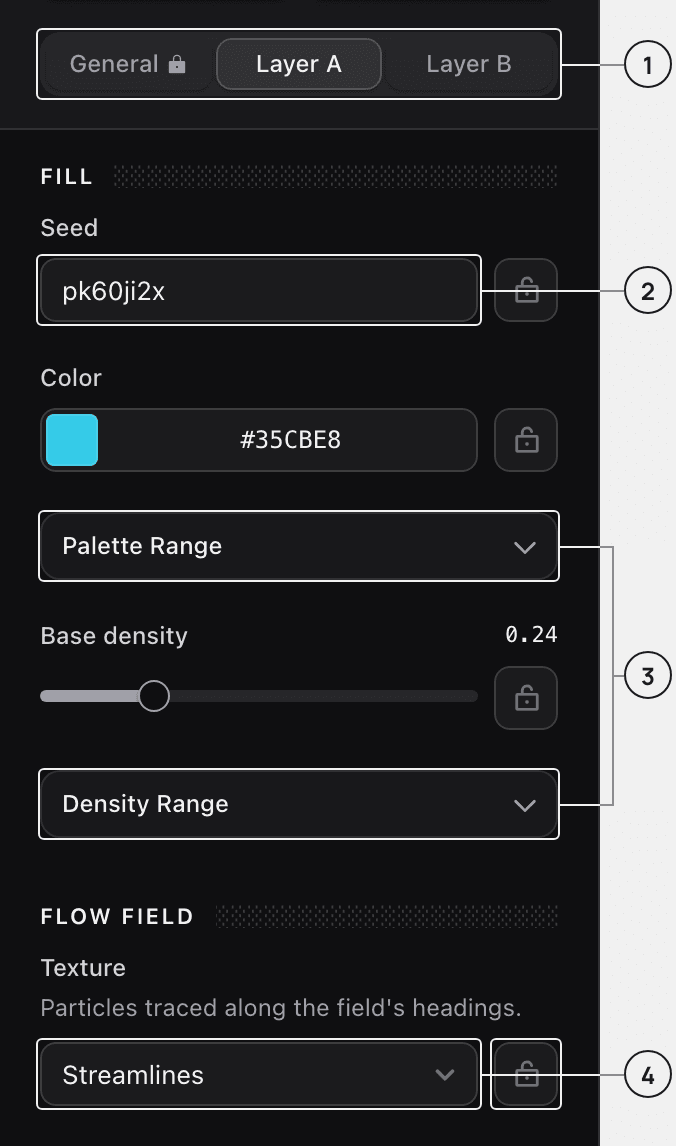
Three tabs, forty controls
General, Layer A and Layer B. The canvas never leaves the screen while any of them moves, because the canvas is the thing being judged.
Every layer carries its own seed
So a layer rebuilds identically whatever the other one is doing, and a composition is a set of names rather than a file.
Ranges, not the full span
Palette Range and Density Range are windows a randomize pass draws from. Left unconstrained, a long autoplay run finds a flat wall of one color sooner or later, and then goes on finding it.
A texture per layer, and a lock on every field
Six flow textures, chosen per layer rather than per composition. The lock beside a field holds it while a pass re-rolls everything else, which is the difference between randomize as a tool and randomize as a dice roll.
Mobile Layout
The phone layout is not the desktop one stacked. The canvas takes the screen and the controls sit in a bar along the bottom edge, so randomize falls under the thumb already holding the device.
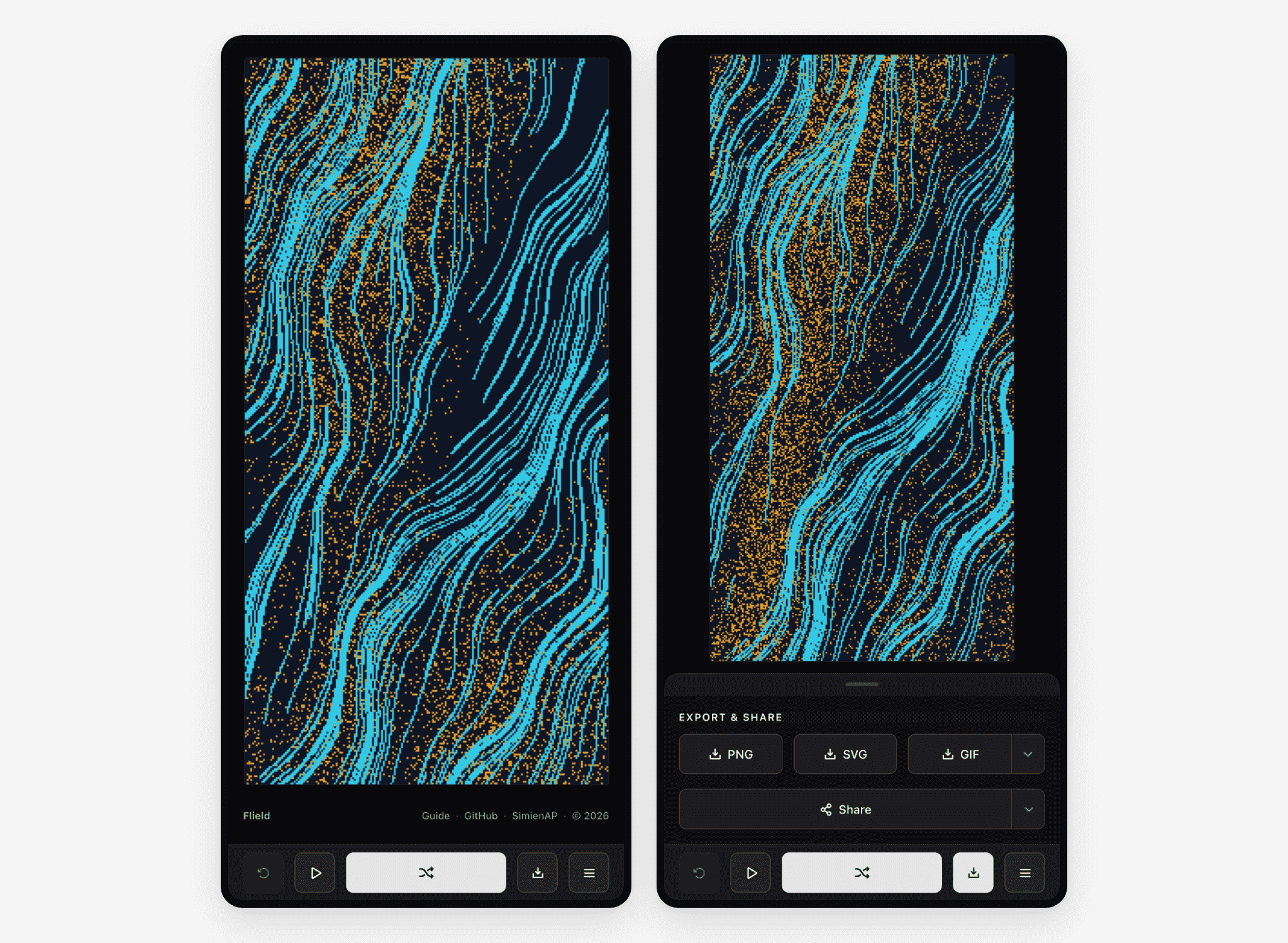
The Pinned Control
Changing a motion means watching the canvas, then changing it again, which on a phone is three taps each way. The pin takes two of them back, and what it does only exists between one frame and the next.
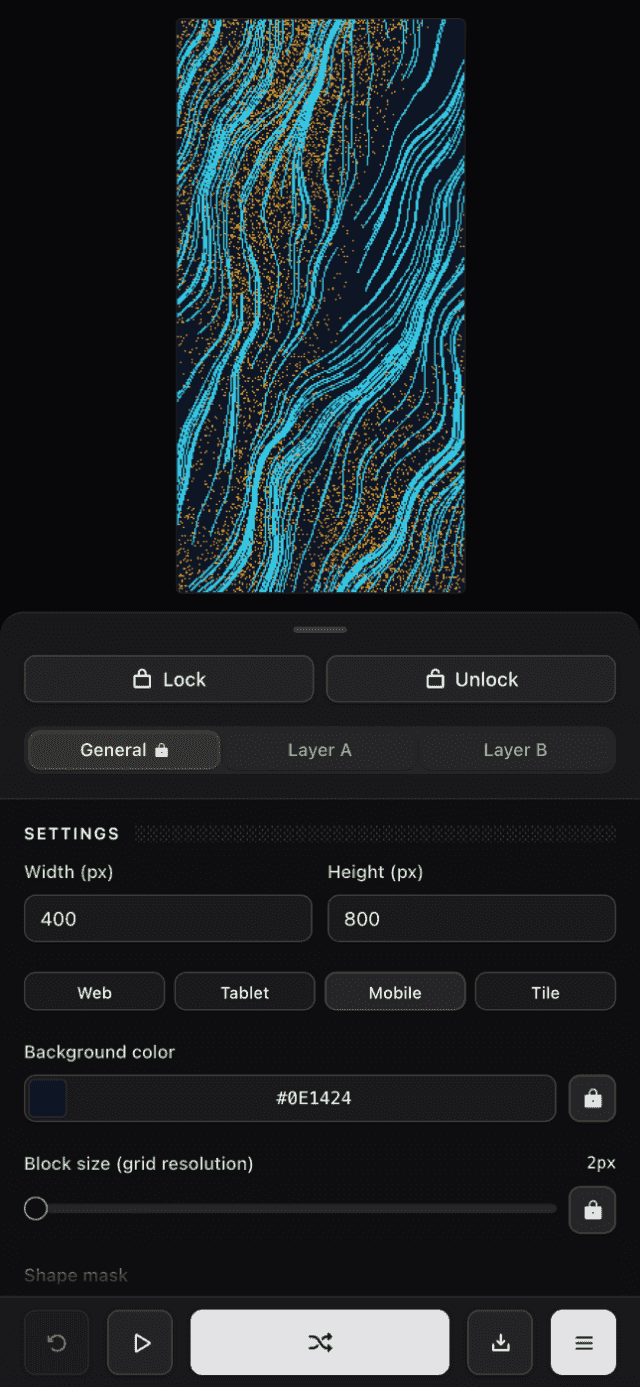
Open the settings
The sheet covers the lower half and leaves the canvas in view above it, which is the whole reason it is a sheet and not a screen.
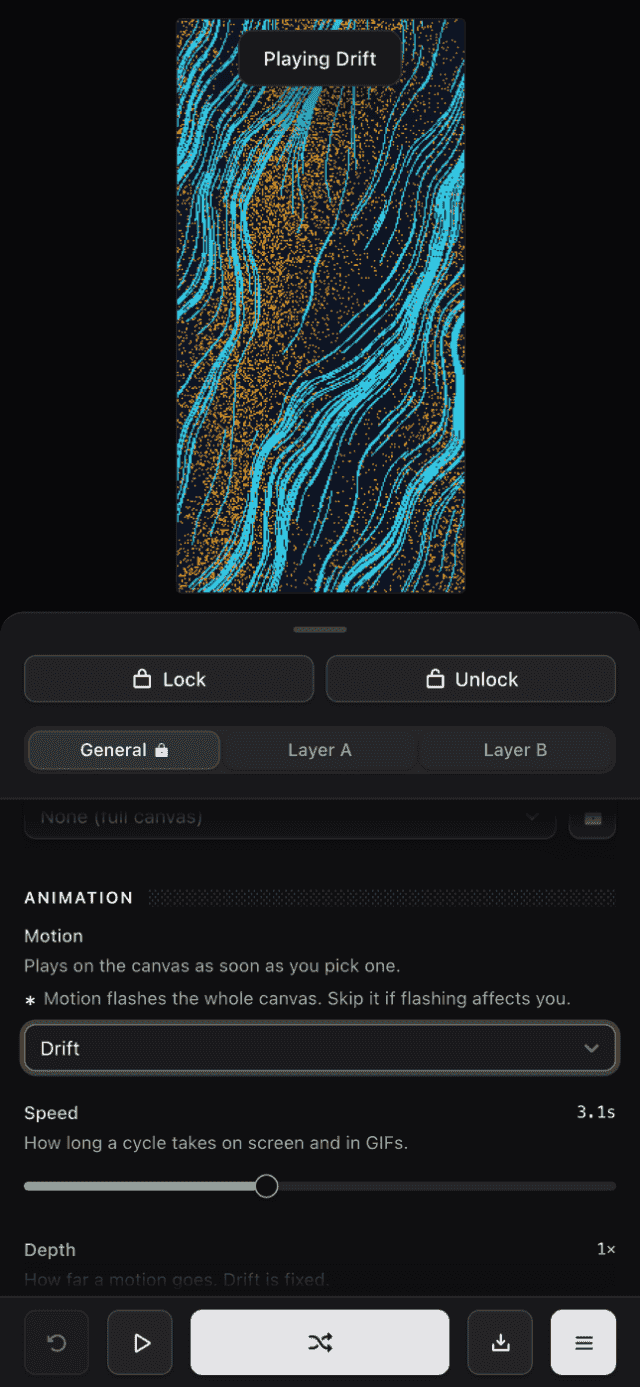
Change one thing
The Motion select, scrolled to and set to Drift. The canvas starts moving behind the sheet straight away, and a toast names the change, because the thing being judged is above the sheet rather than in it.
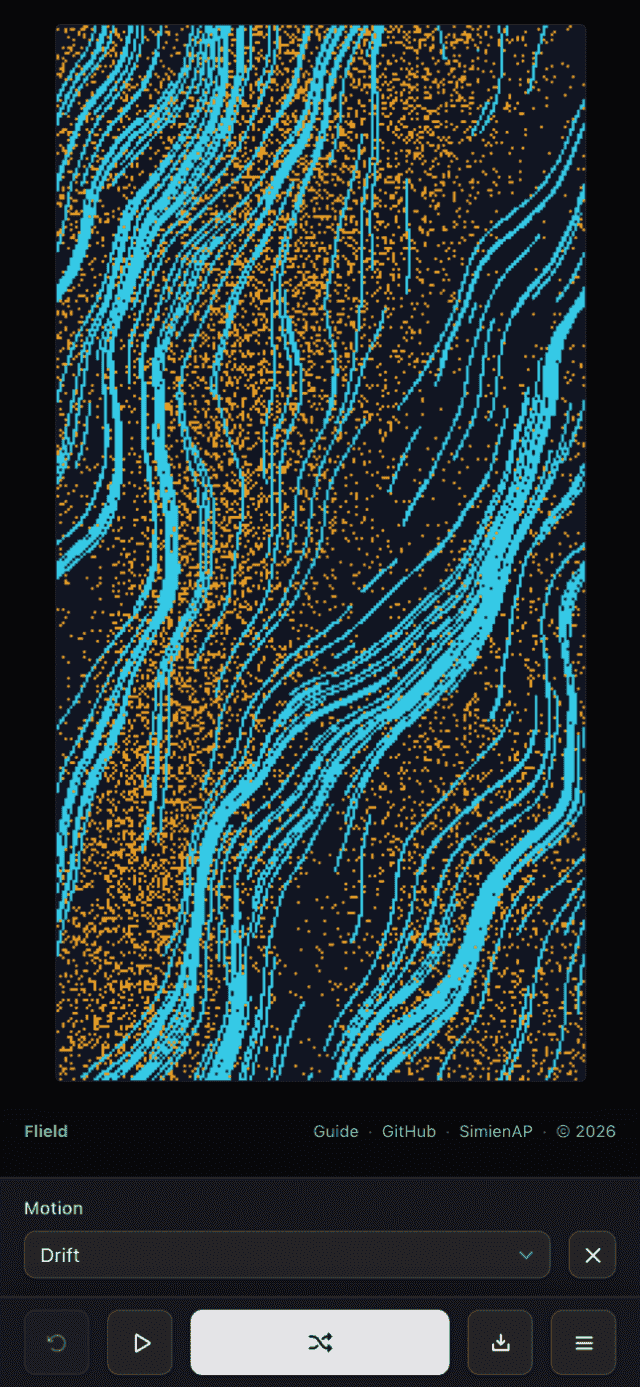
Close it
The control you just touched is pinned above the toolbar, with its own dismiss. Changing it again is one tap instead of three.
Confirming a Change
Several actions change state somewhere the user is not looking. Locking every field changes icons on tabs that may not be open, and picking a motion starts something that takes a second to become obvious. Both report back in the same place, a brief line above the canvas, so there is one feedback pattern to learn, not one per feature.
Onboarding Tutorial
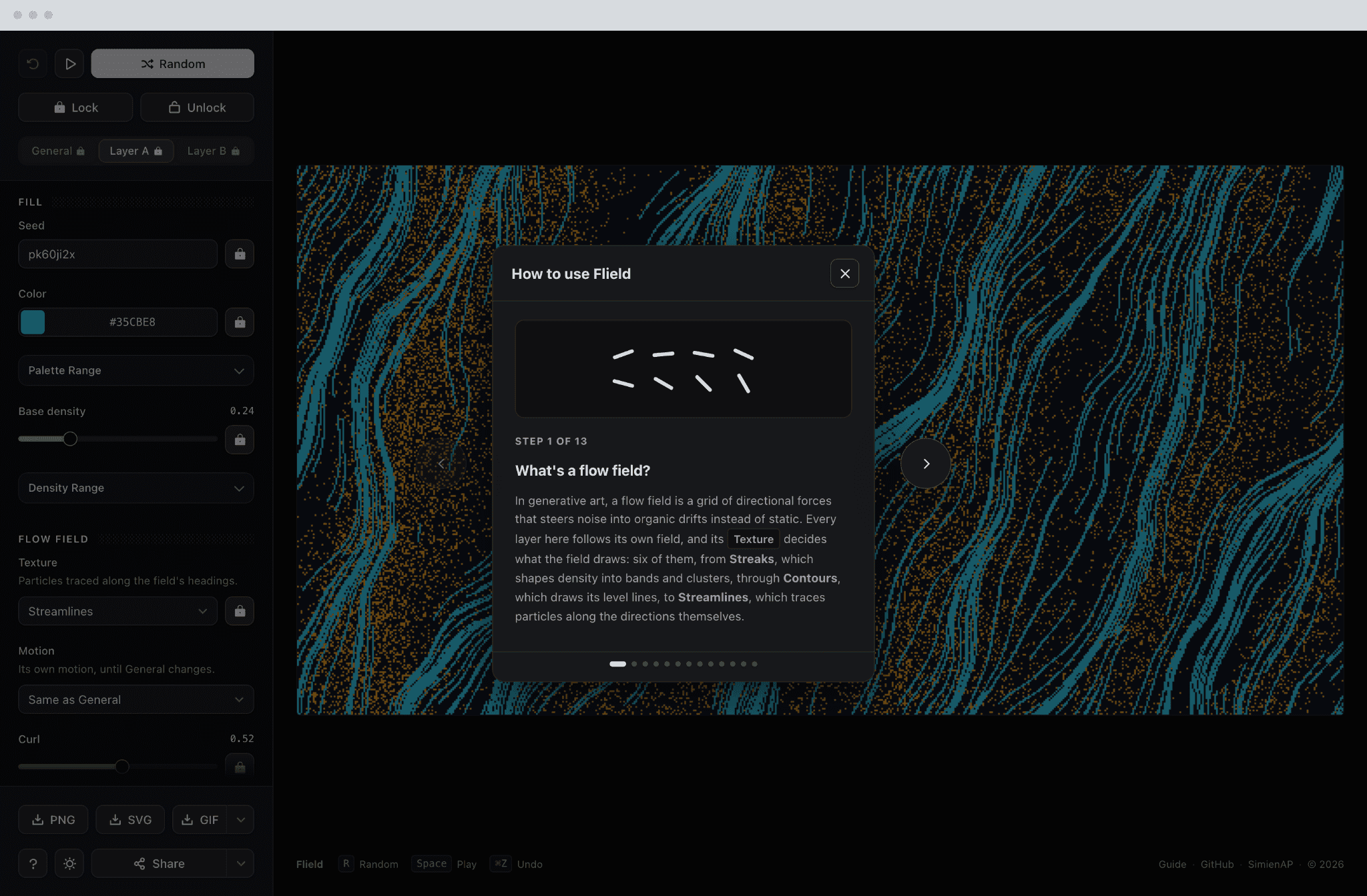
A generative tool has a cold start problem. Nothing on screen explains what a flow field is, and a first time visitor has no reason to guess which of forty controls to move first. A thirteen step tutorial opens itself on a first visit and walks through the ideas. The buttons come second, and the flow field slide draws the field itself and names the textures it can draw.
A Set, Not a Picture
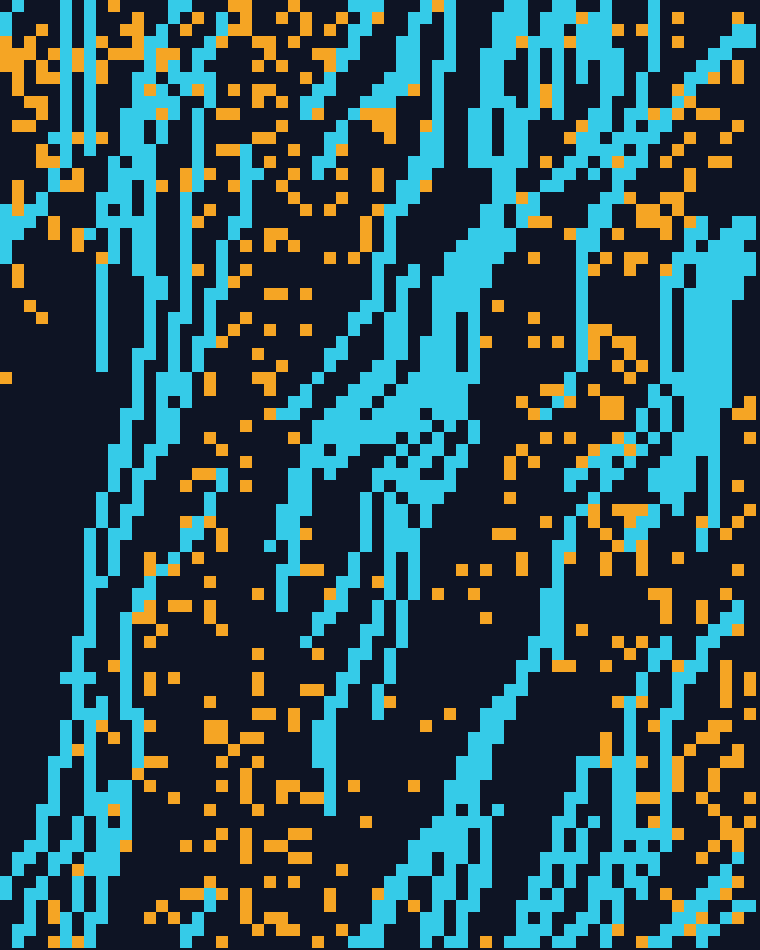
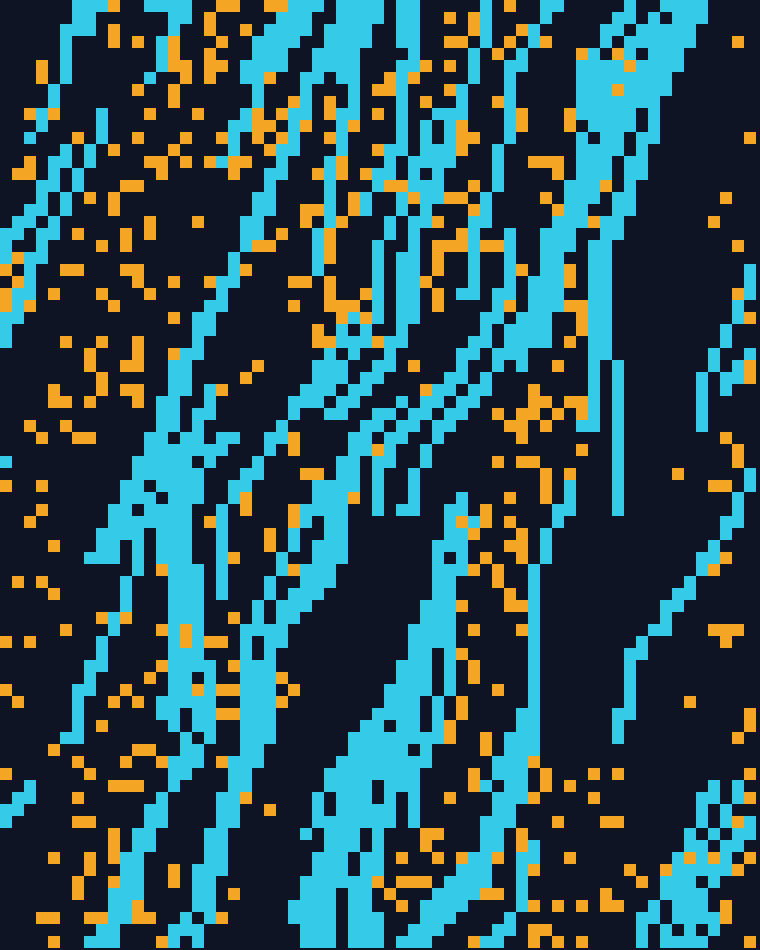
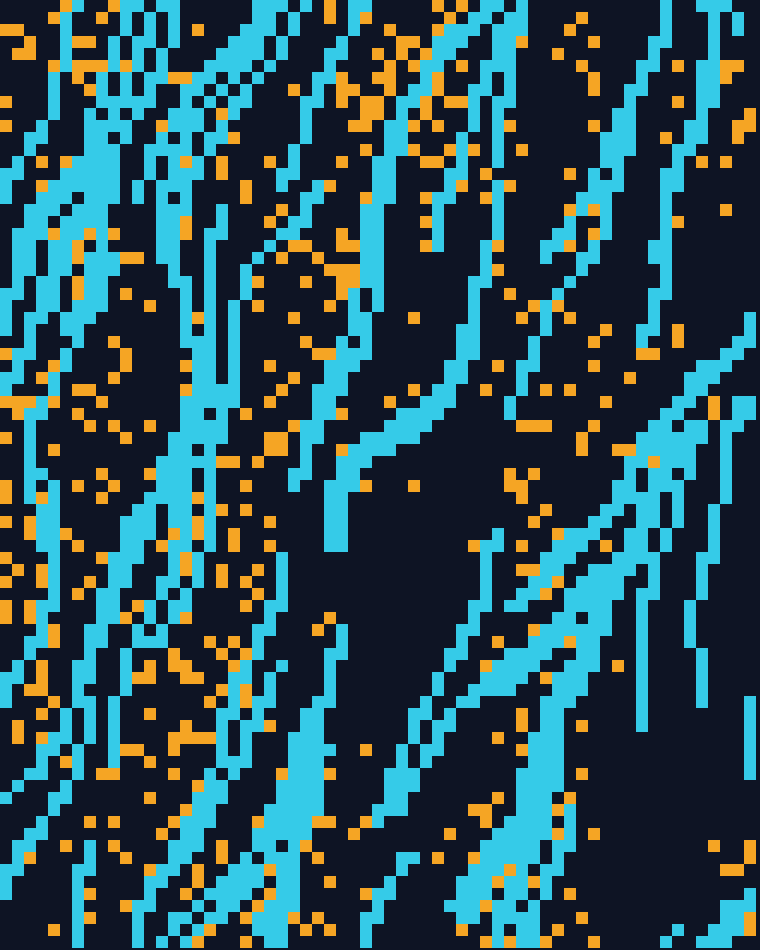
The output is design work, and the unit of it is a set rather than an image. Give the generator a brand's color range and what comes back is a campaign's worth of correct variations. A header, the five social cards under it, a backdrop for the landing page. Each different, all plainly the same family. The seed is a name you choose, so the same asset rebuilds a year later when the campaign needs one more.
The Levers
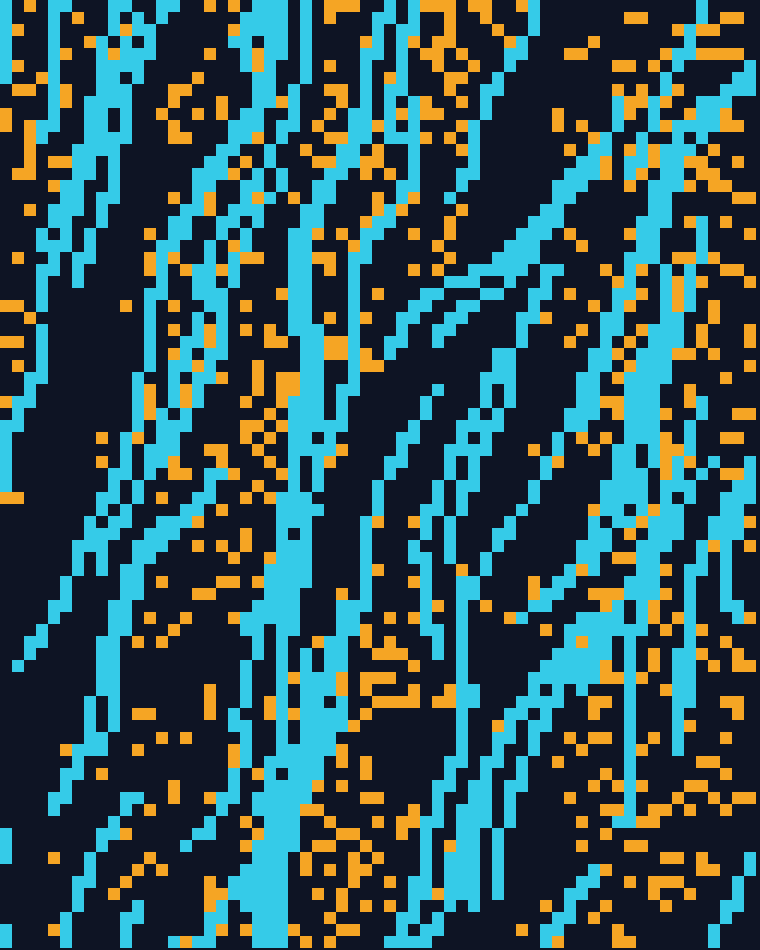
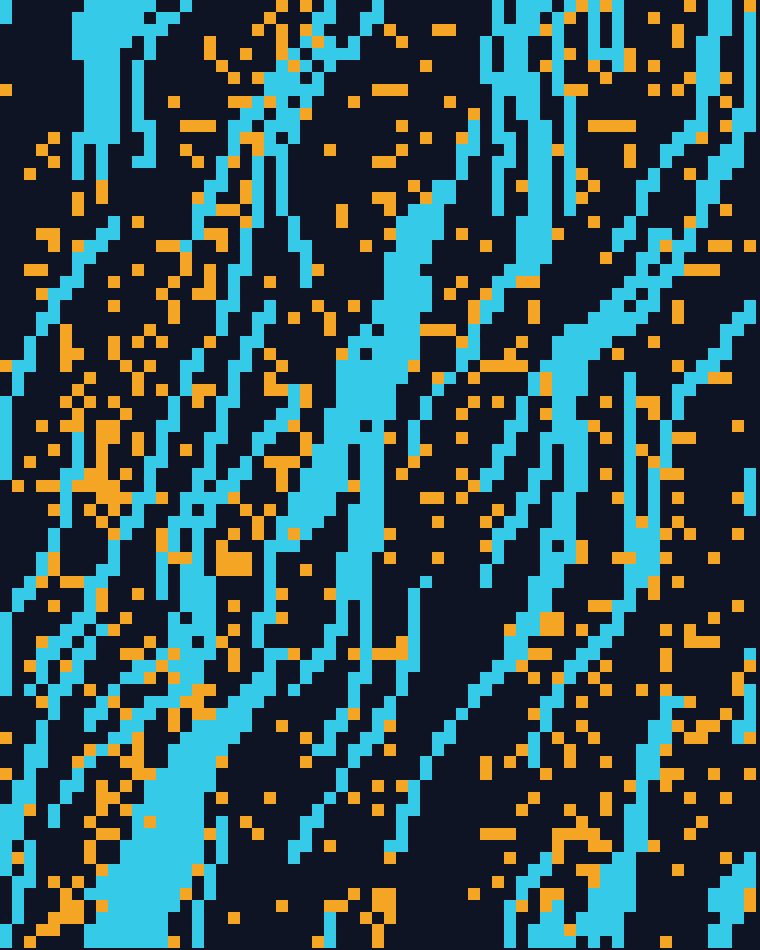
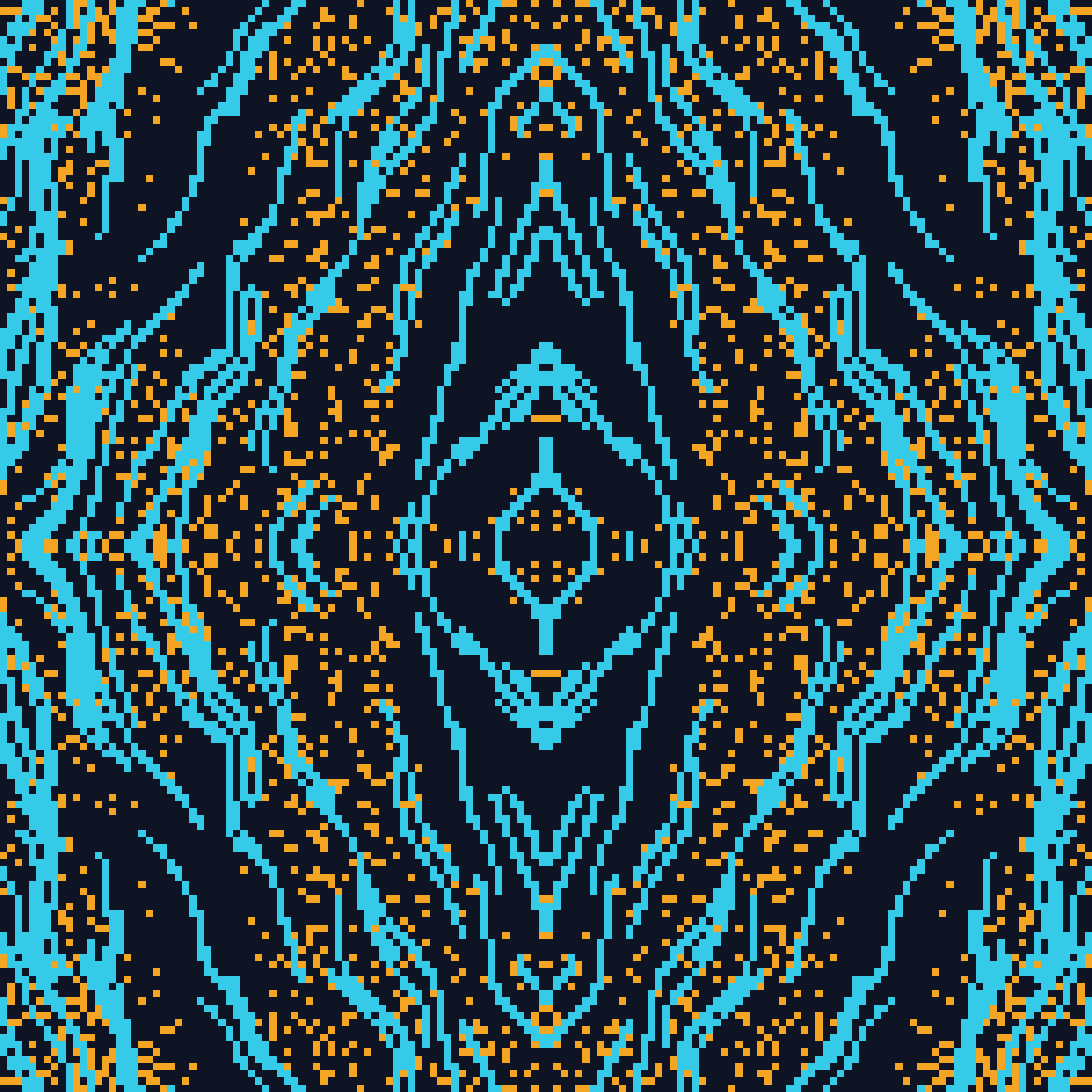
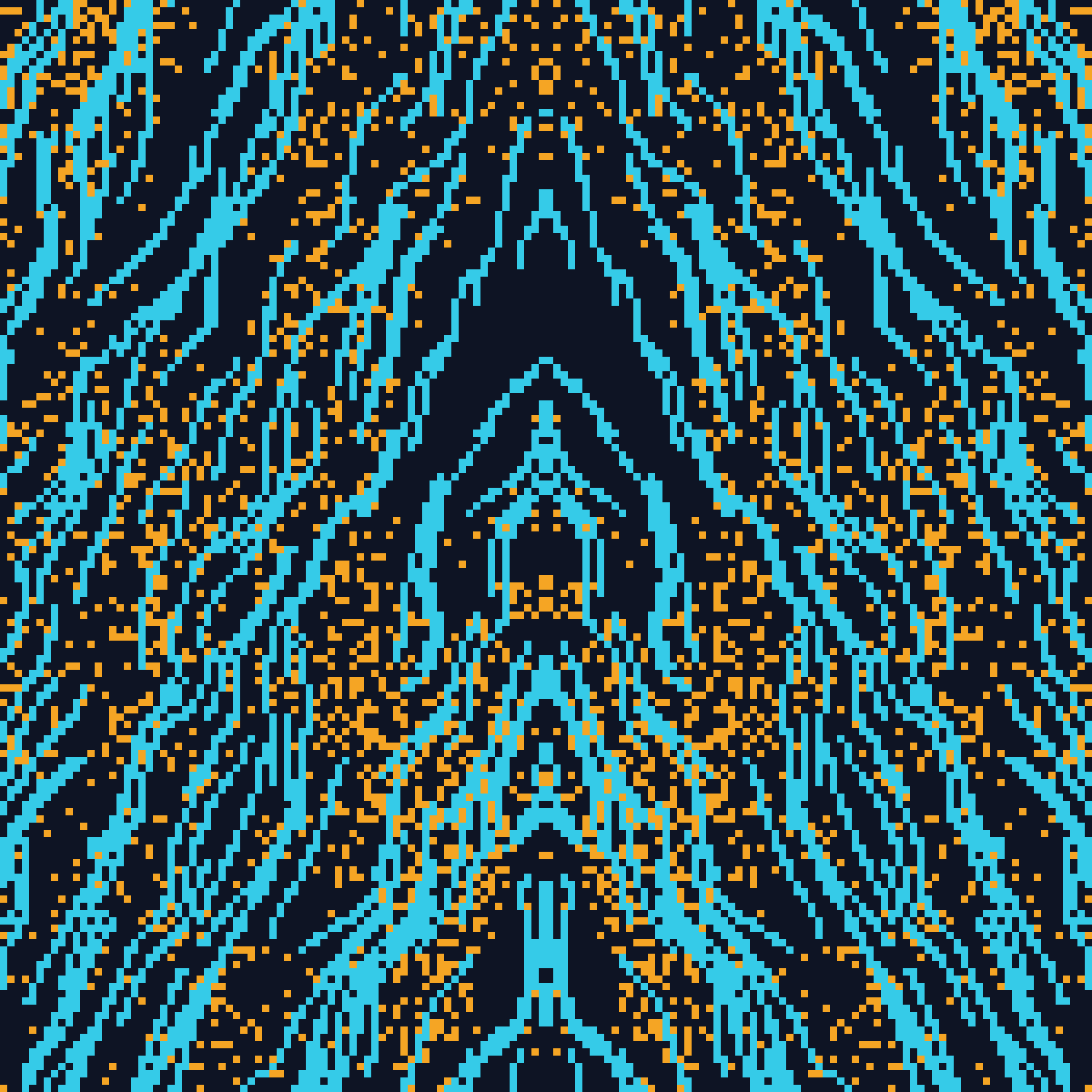
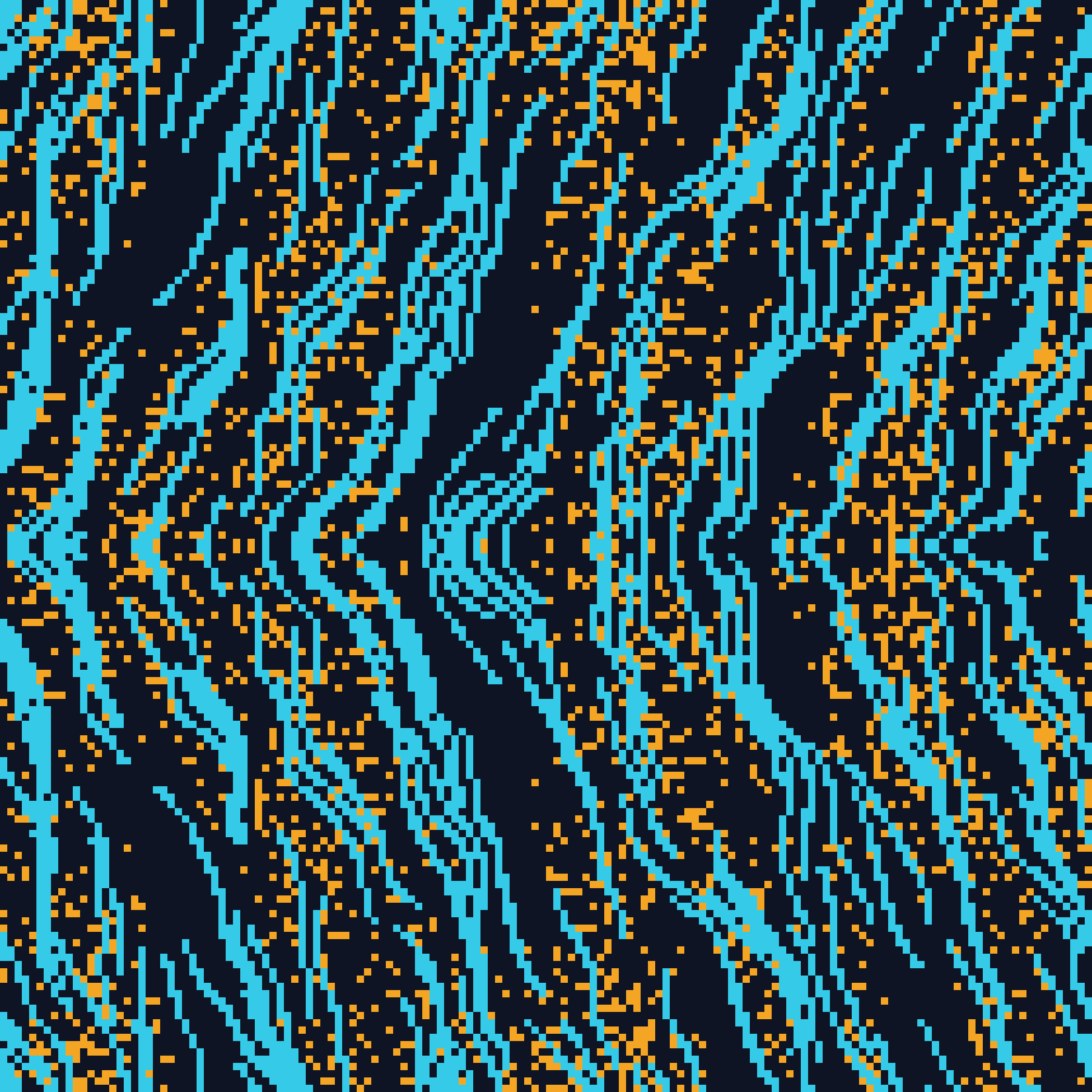
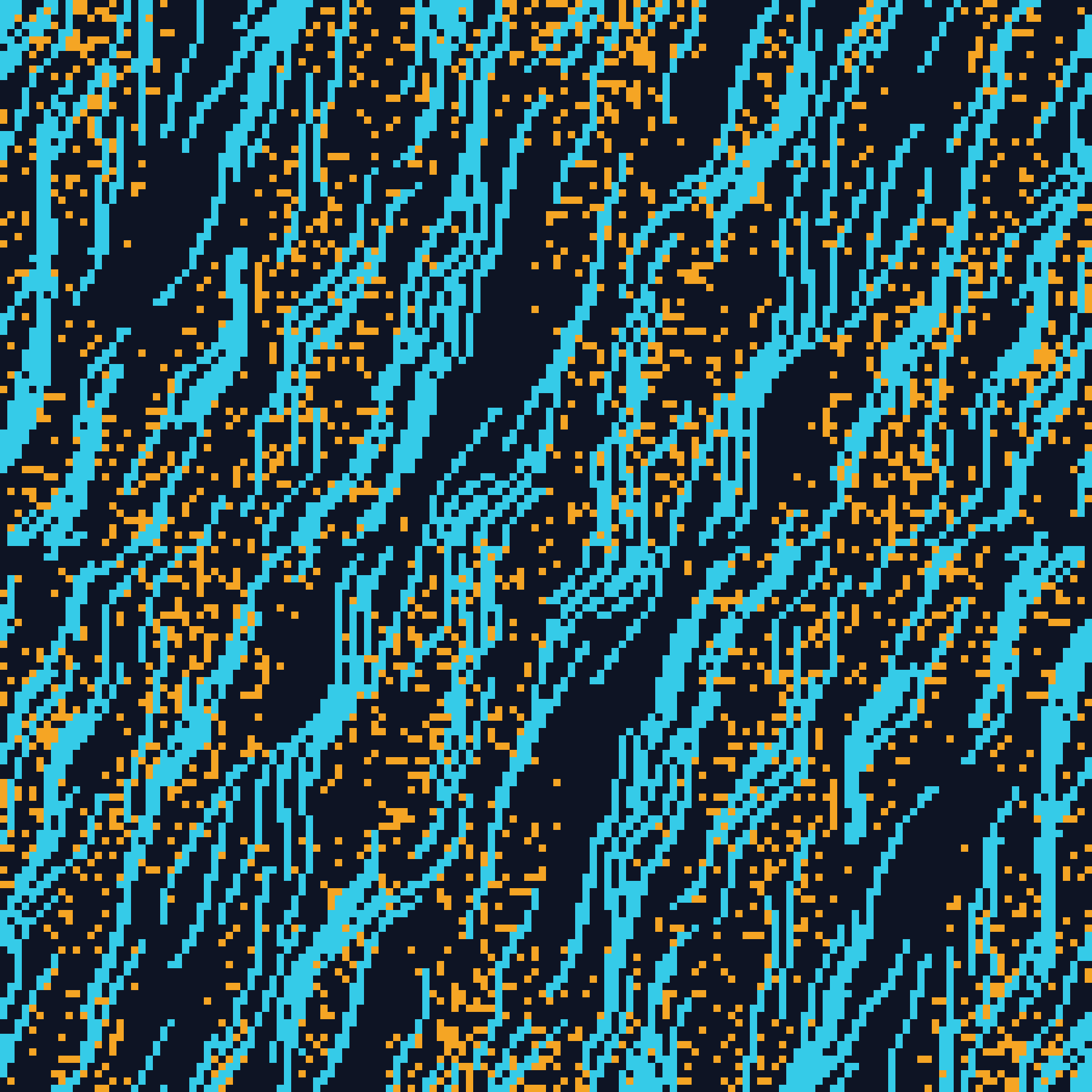
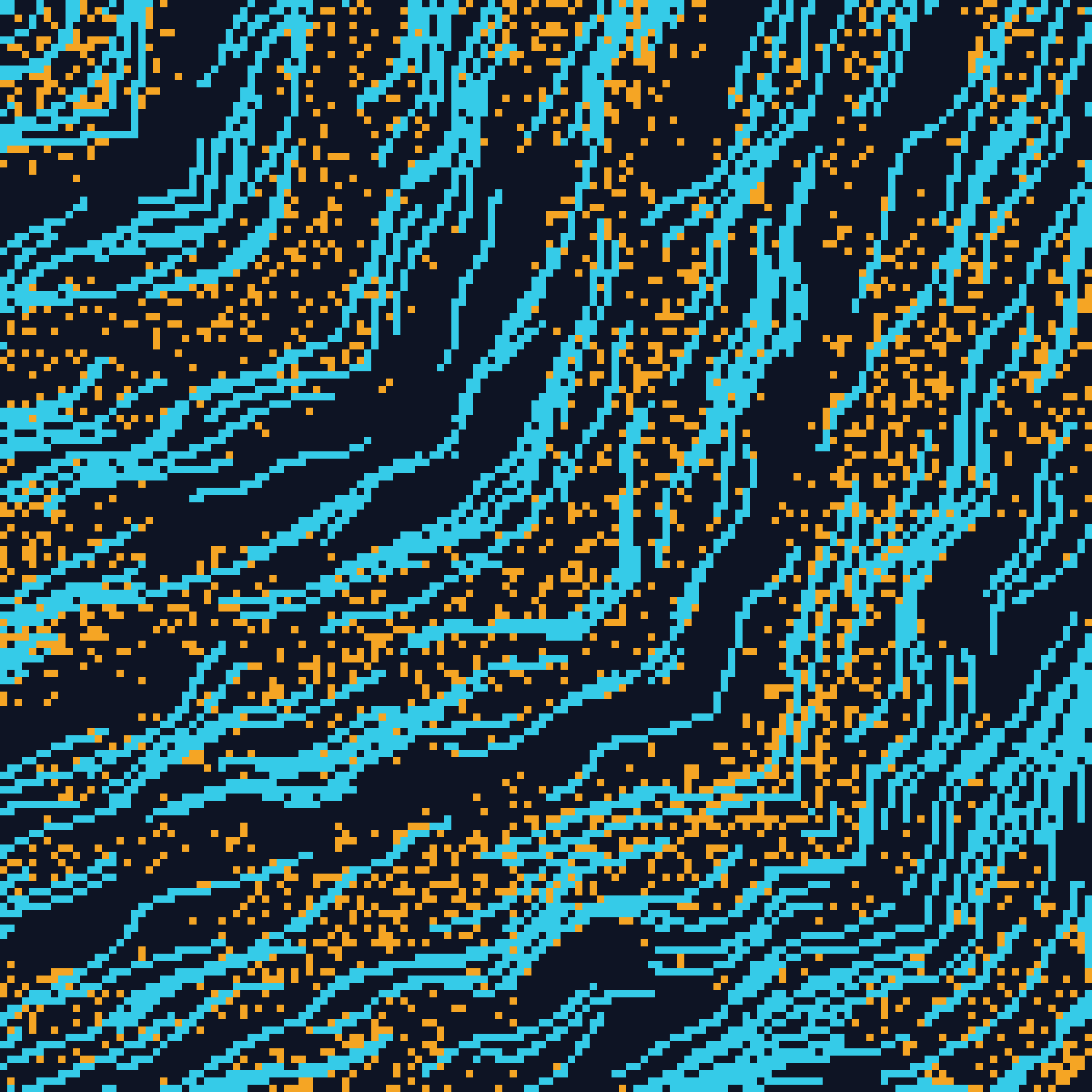
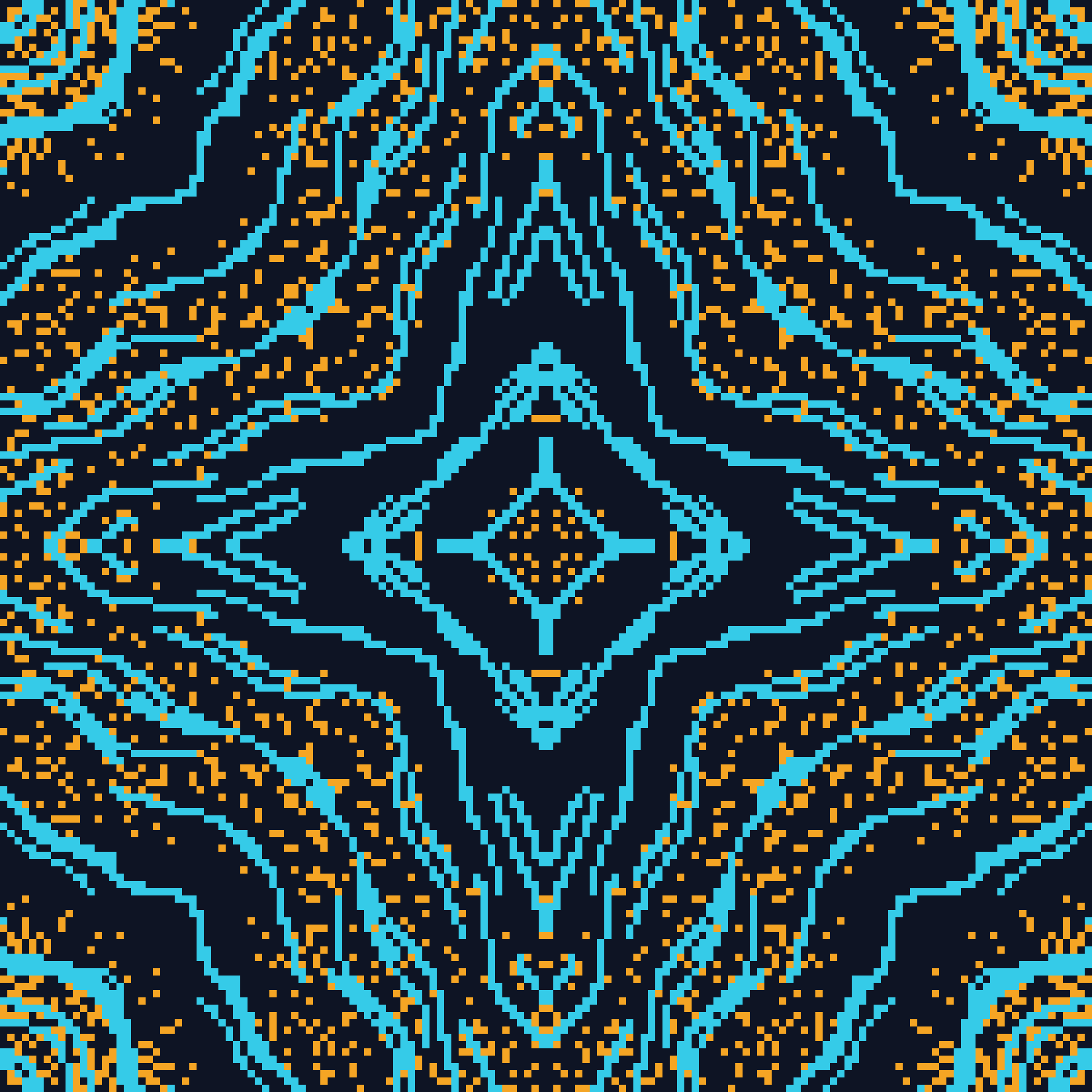
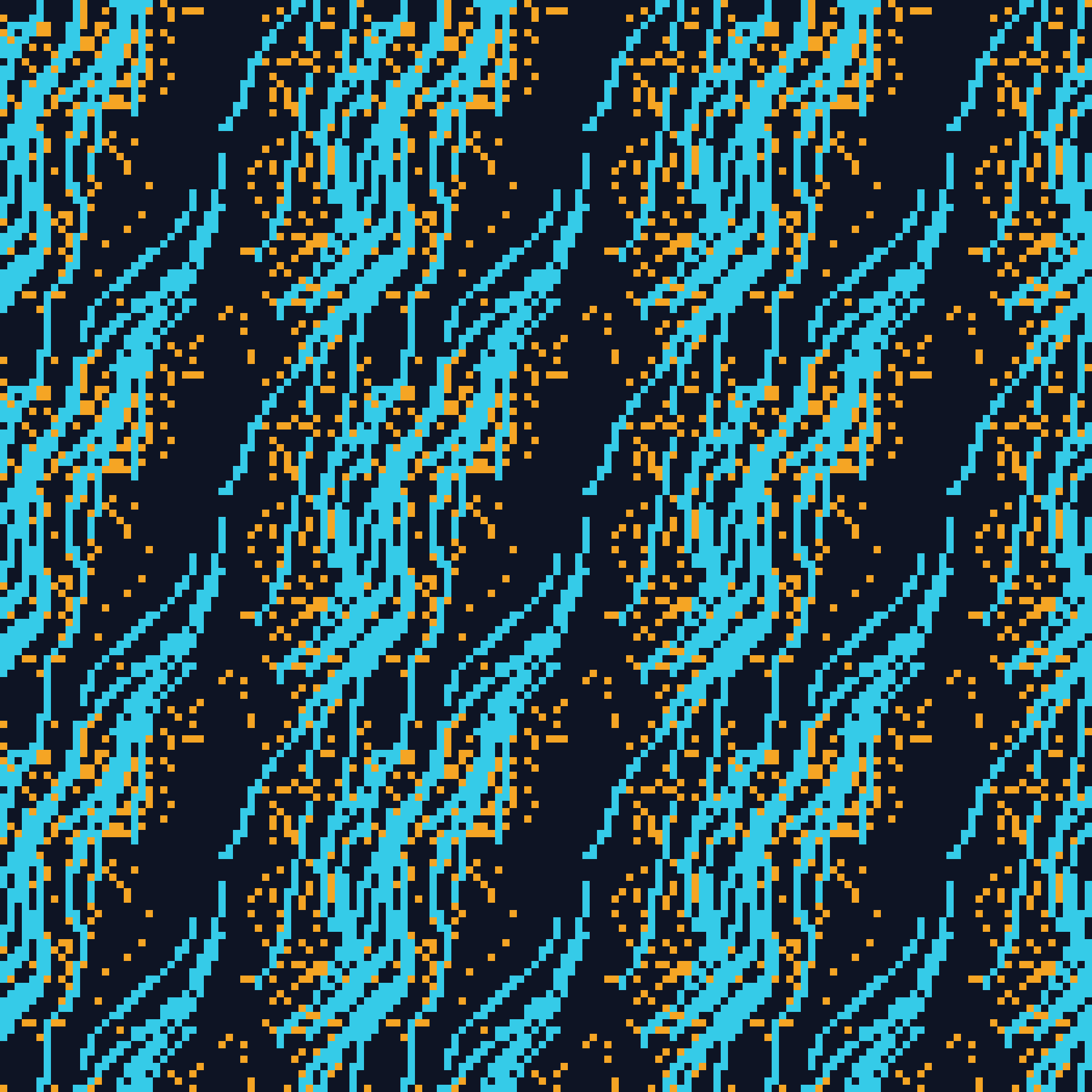
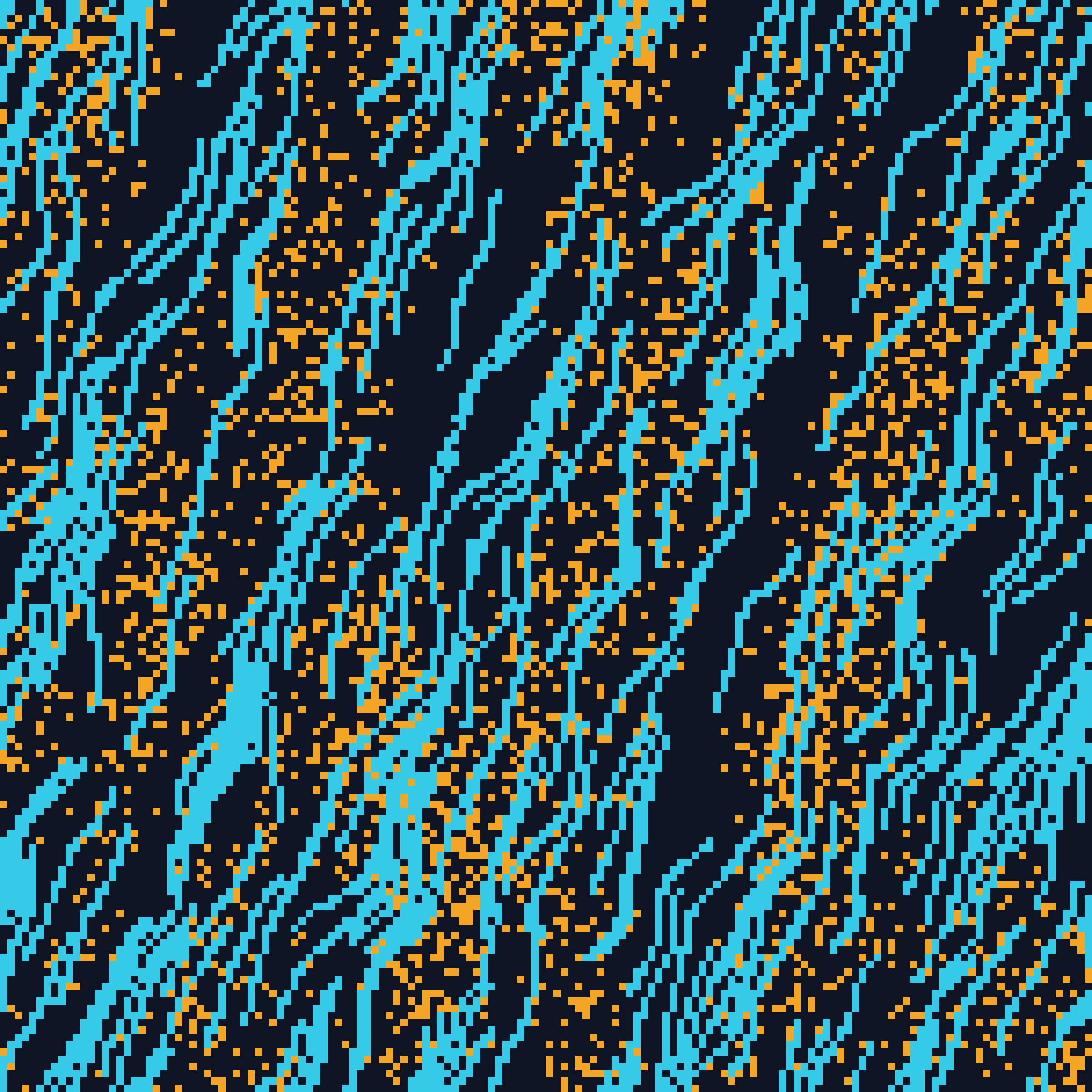
Symmetry and tiling change what a composition is. Masks and density change how it sits on the page. Every picture below was drawn by the generator itself, on the seeds and palette the screenshots already use, so the diagram of how the tool works is made by the tool.
Symmetry Is a Pass
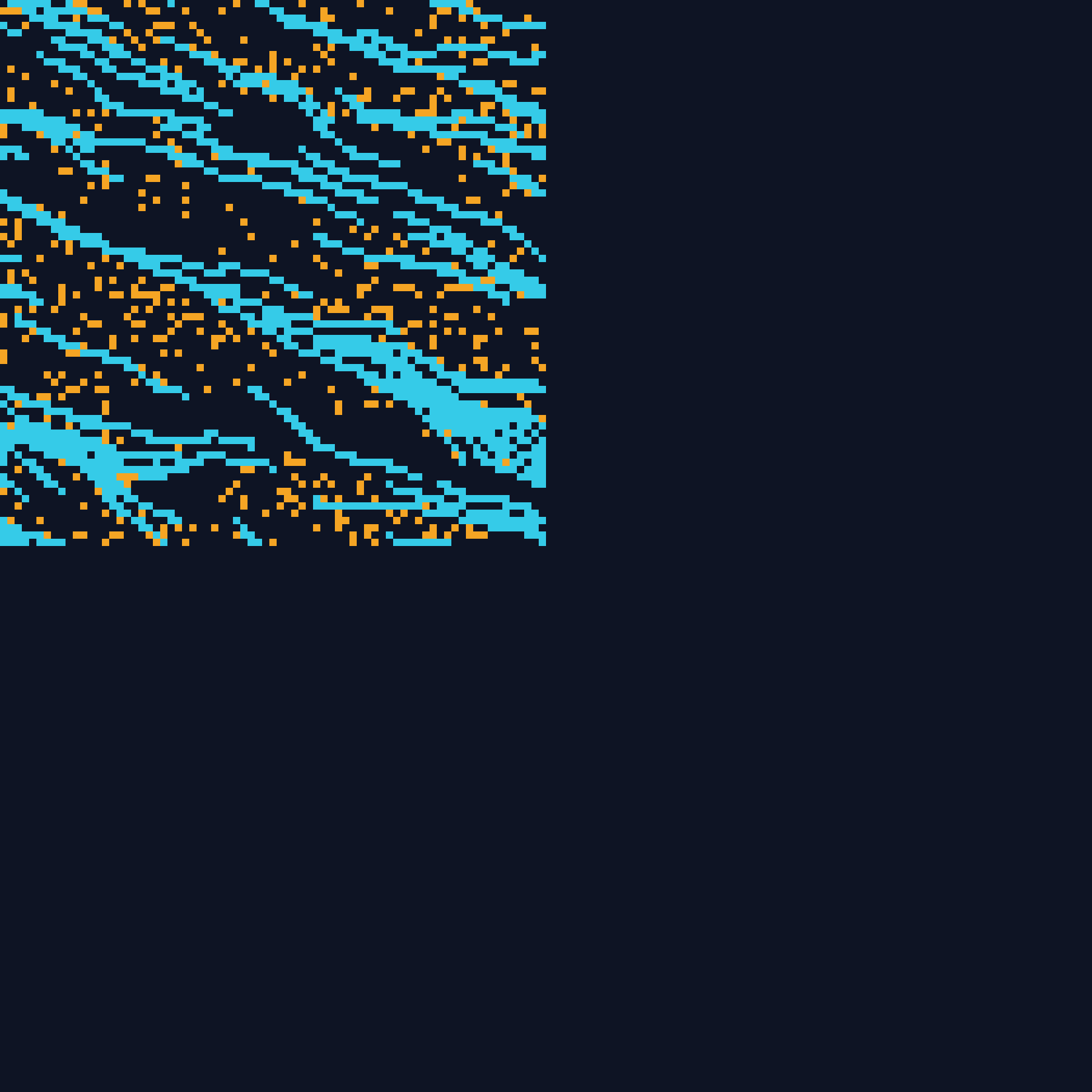
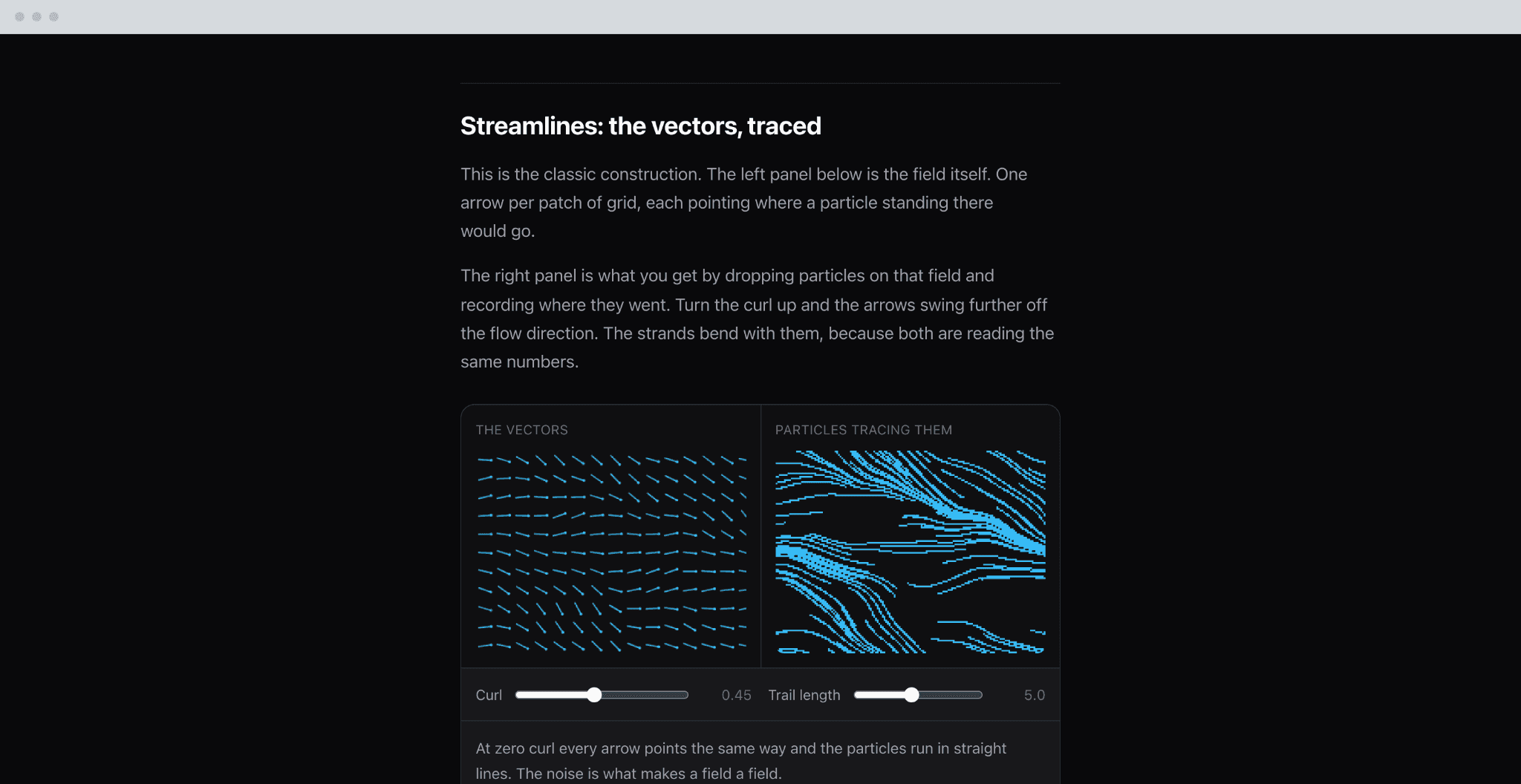
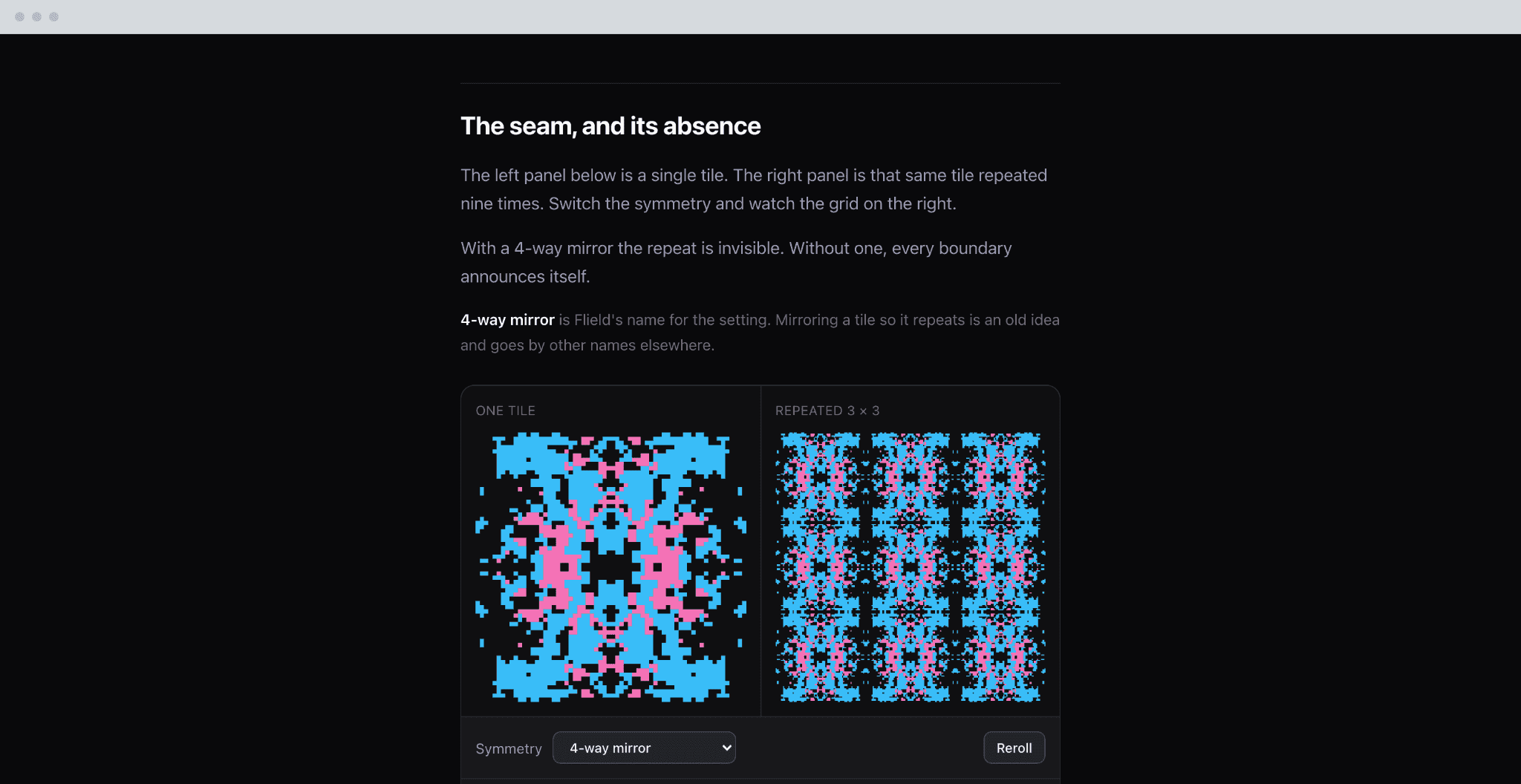
Only a unique region of the grid is ever randomized. Mirror, rotation and diagonal passes then derive the rest from it. Keeping that step after generation, out of the noise itself, is why seven of the eight modes needed no generation code of their own.
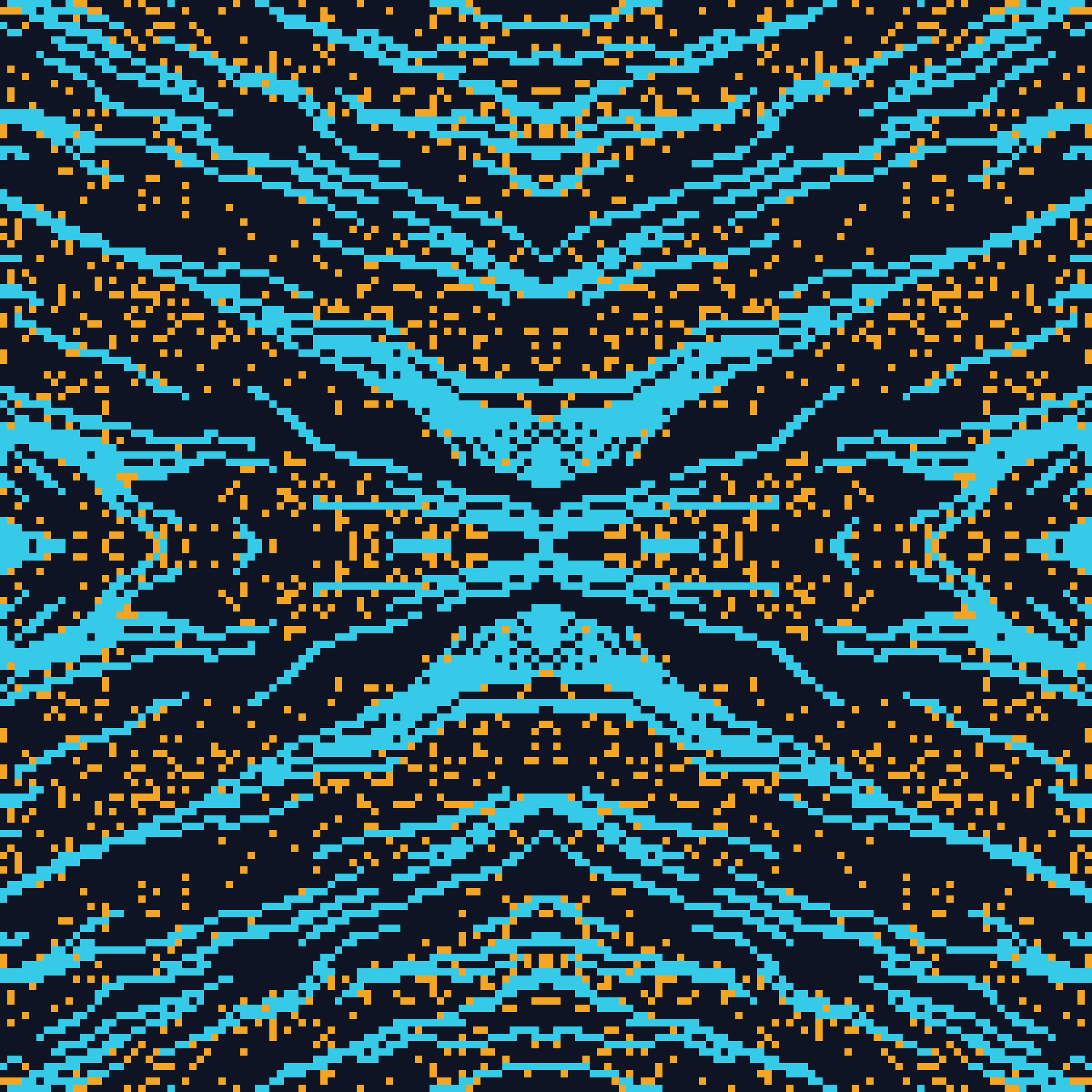
Eight Modes, One Mechanism
Kaleidoscope composes three passes in sequence, a diagonal mirror on the quadrant, then horizontal, then vertical, which gives full eight way symmetry without a code path written for it. The eighth is Tile, not a reflection at all: it repeats the region by index, the same structure with a different relationship between the copies.
Where the Design Stops
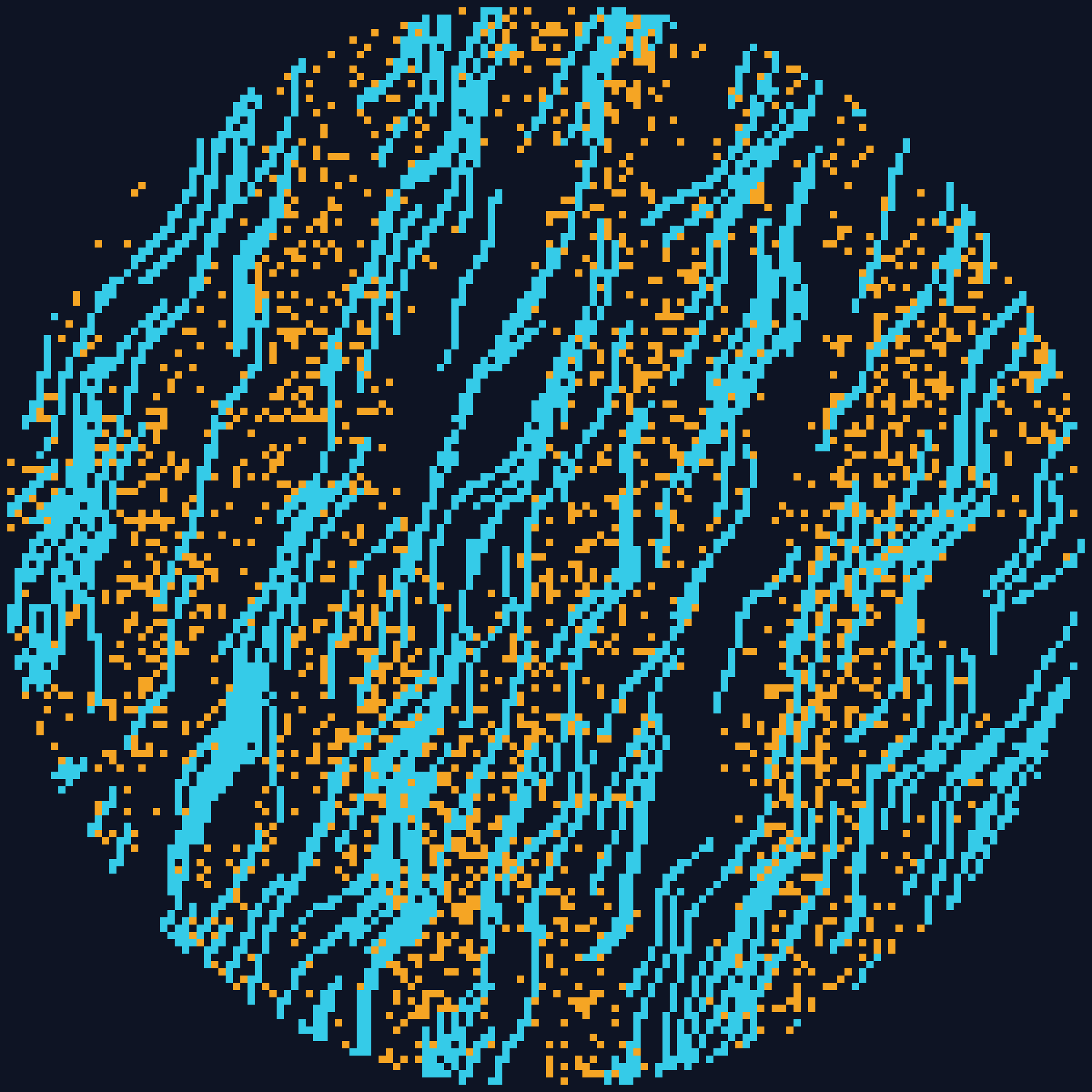
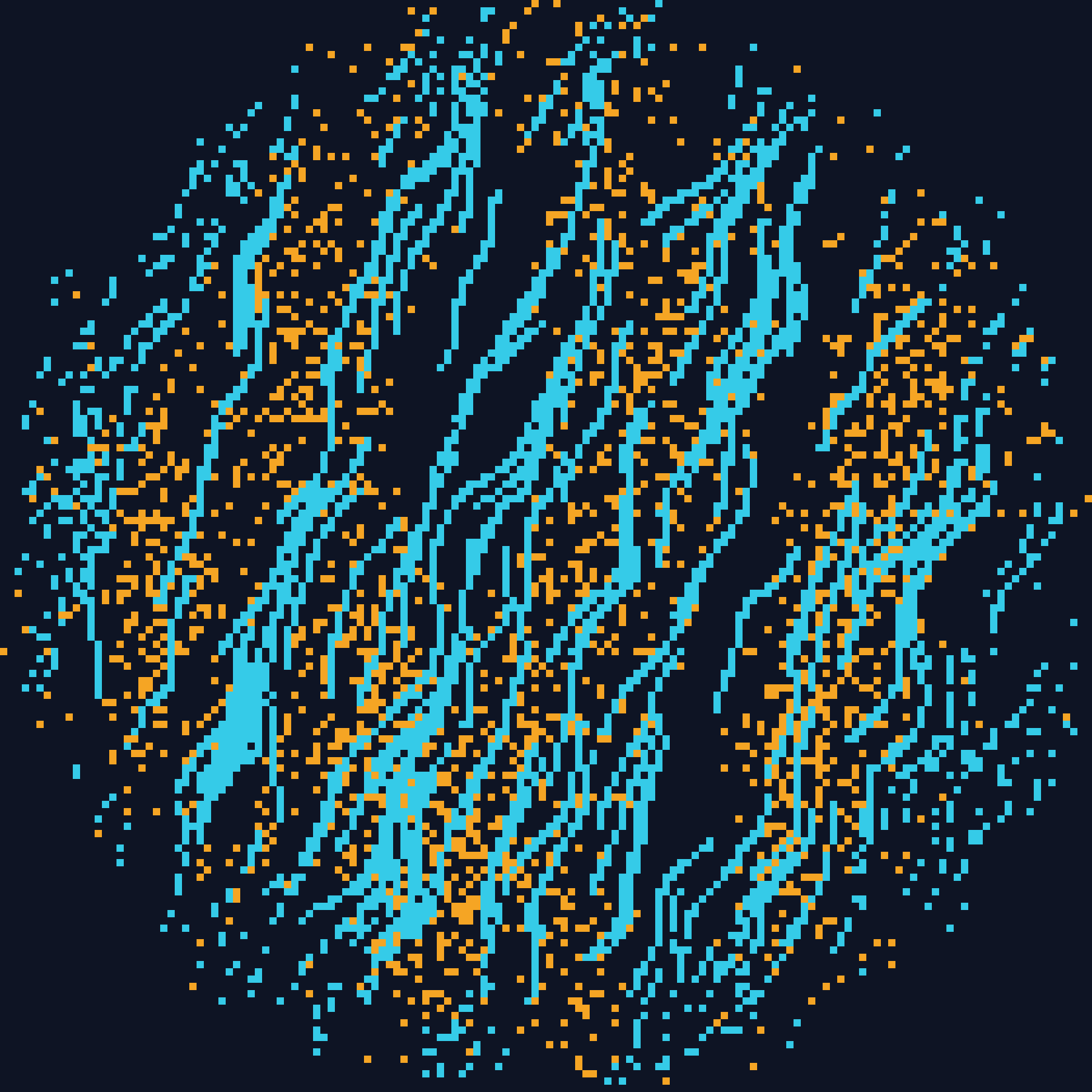
The first shape mask tested inside or outside and looked pasted on: a smooth geometric edge against an organic, noisy texture reads as artificial immediately. The fix treats the boundary as a probability band. Cells well inside always survive, cells well outside are cleared, and the ones between fade from near certain to near none, seeded from the layer's own seed.
The Mask Set
A mask clips to a form inscribed in the canvas's own aspect ratio, so a wide canvas gets an ellipse rather than a small centered circle fighting the rectangle. Circle and diamond were the first two. Vignettes and stripes followed on the same mechanism, because the boundary was already a distance function and a new shape is a new distance.
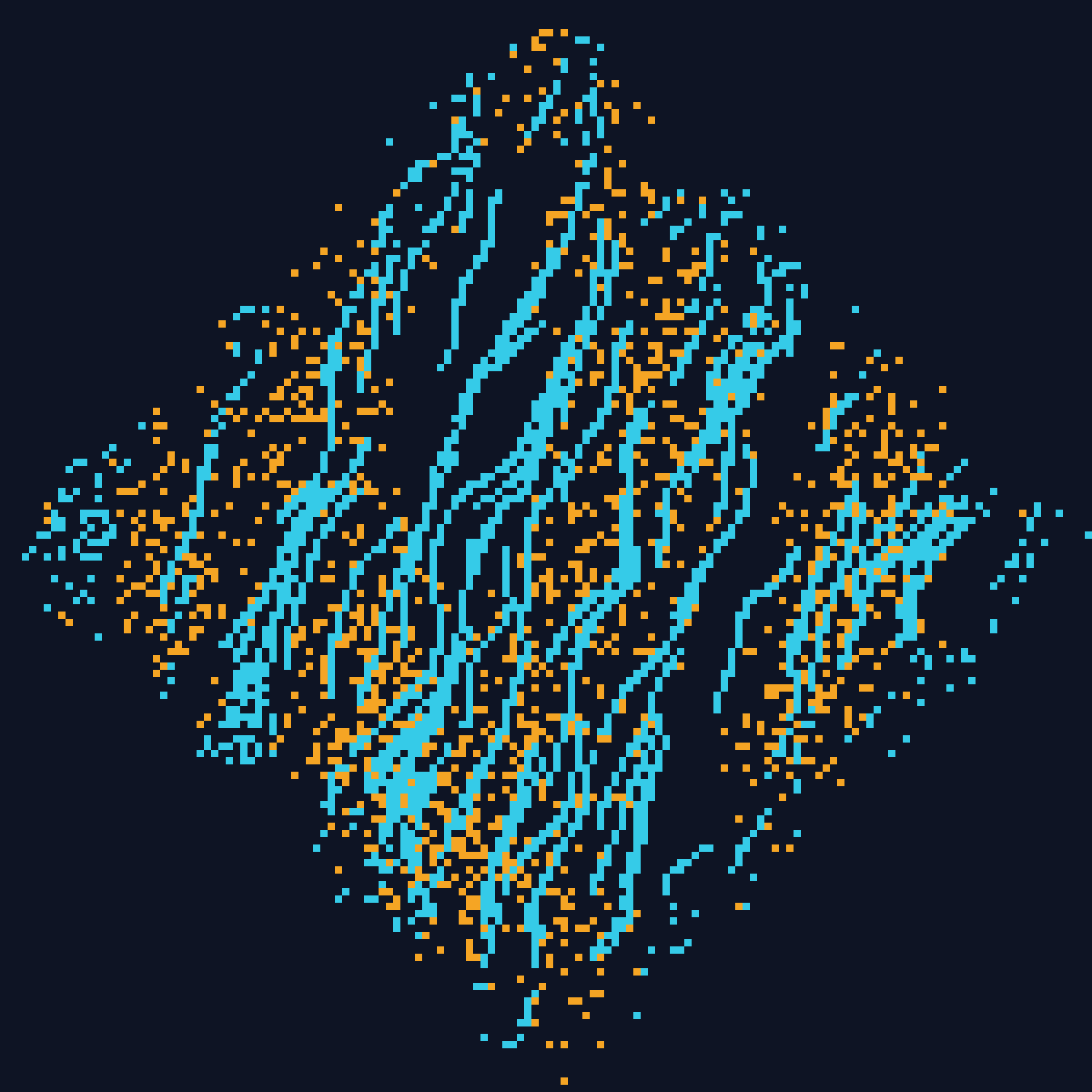
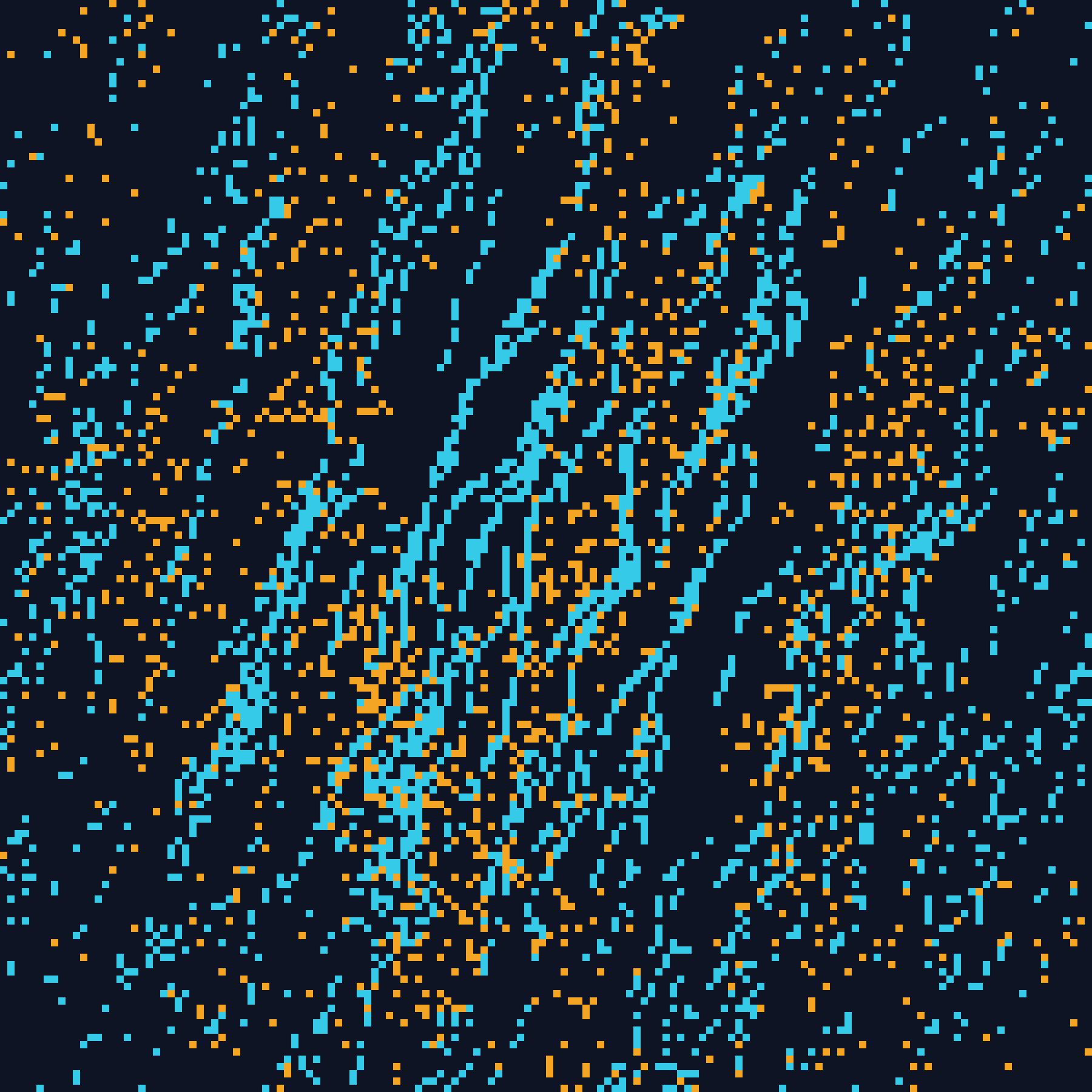
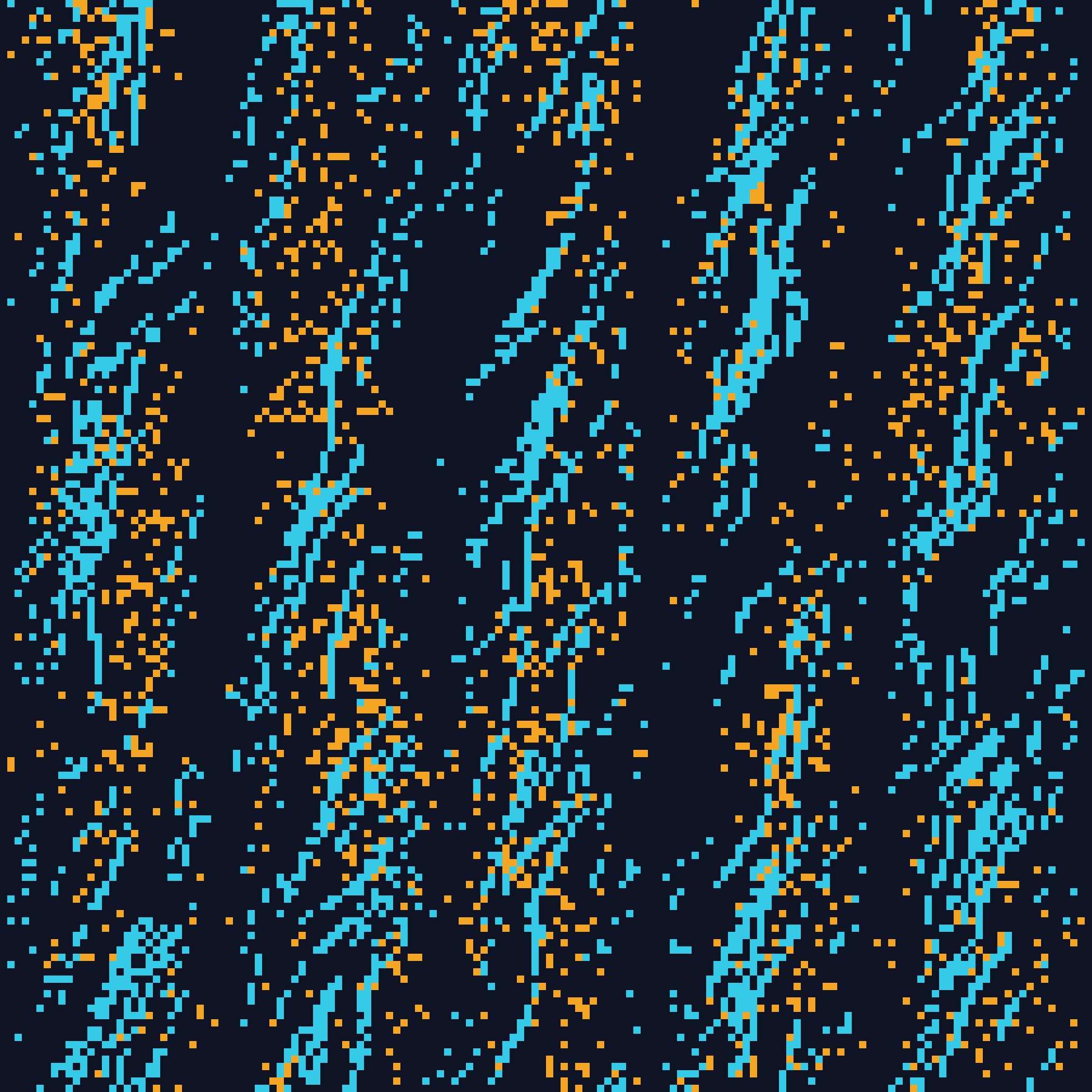
Density Bias
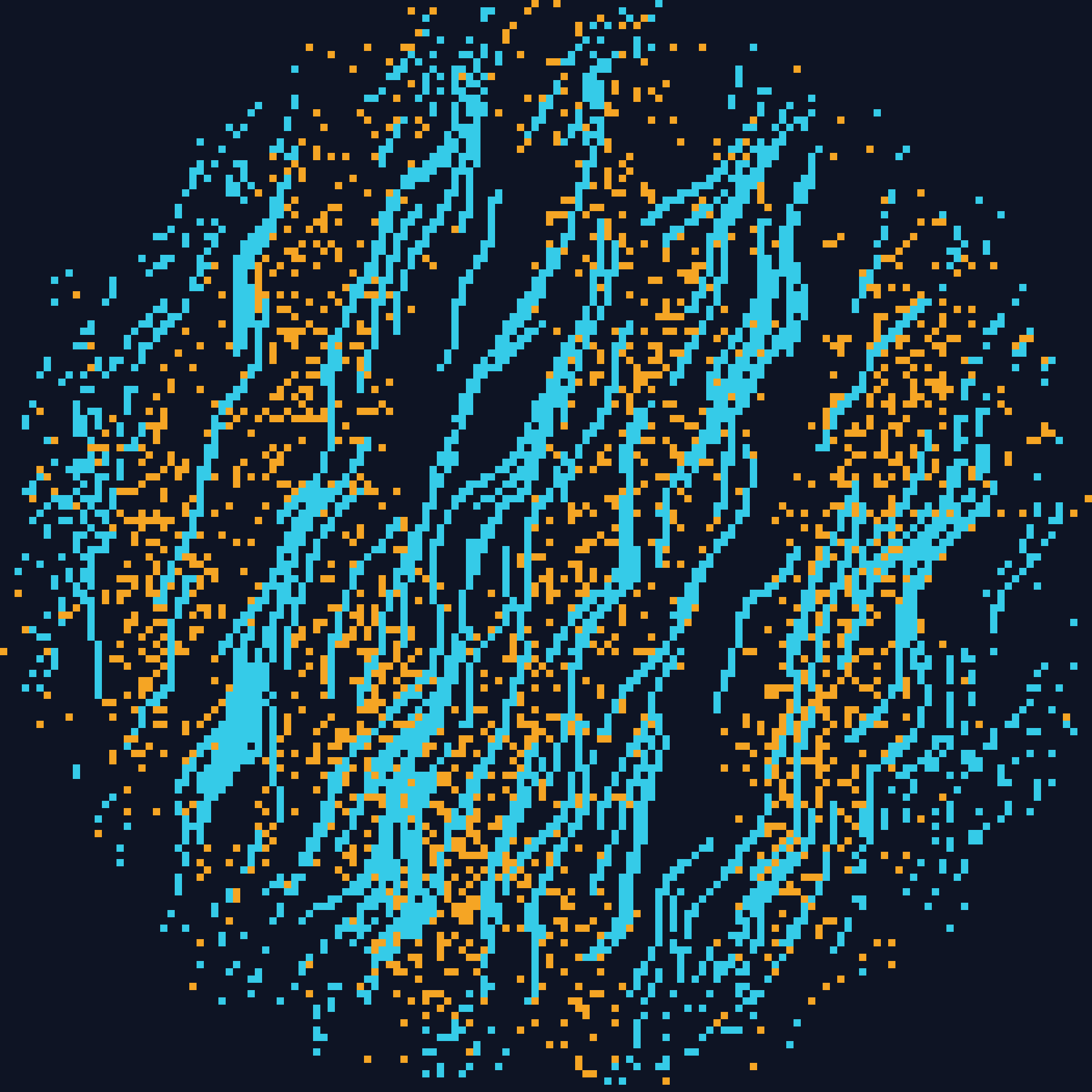
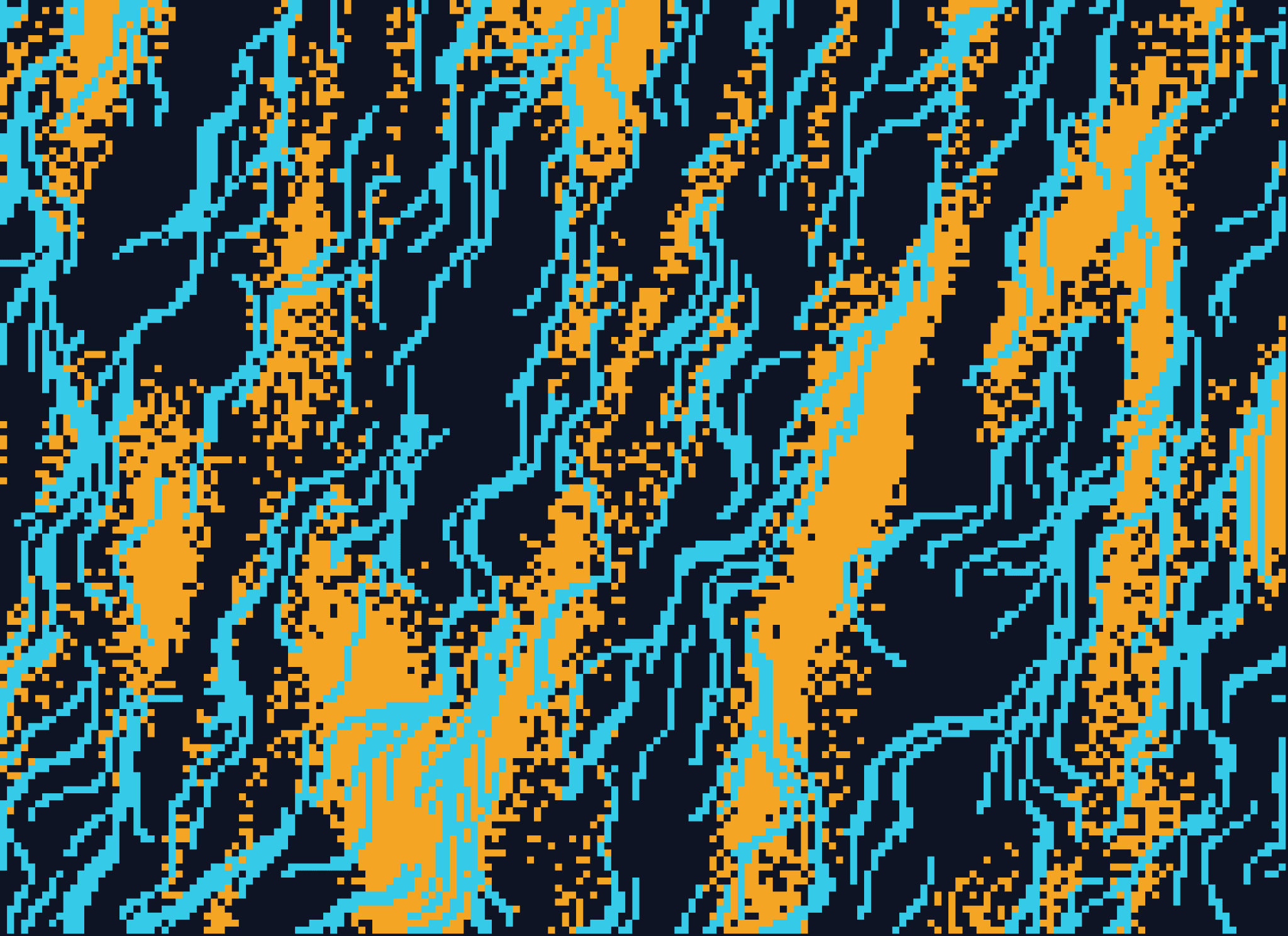
Density decides how much of the grid fills. A seeded noise field is rotated toward a direction and stretched along it, which turns isotropic noise into streaks that point somewhere. The field nudges each cell's fill probability rather than deciding the outcome, and that distinction is the difference between a hard border and a gradient.
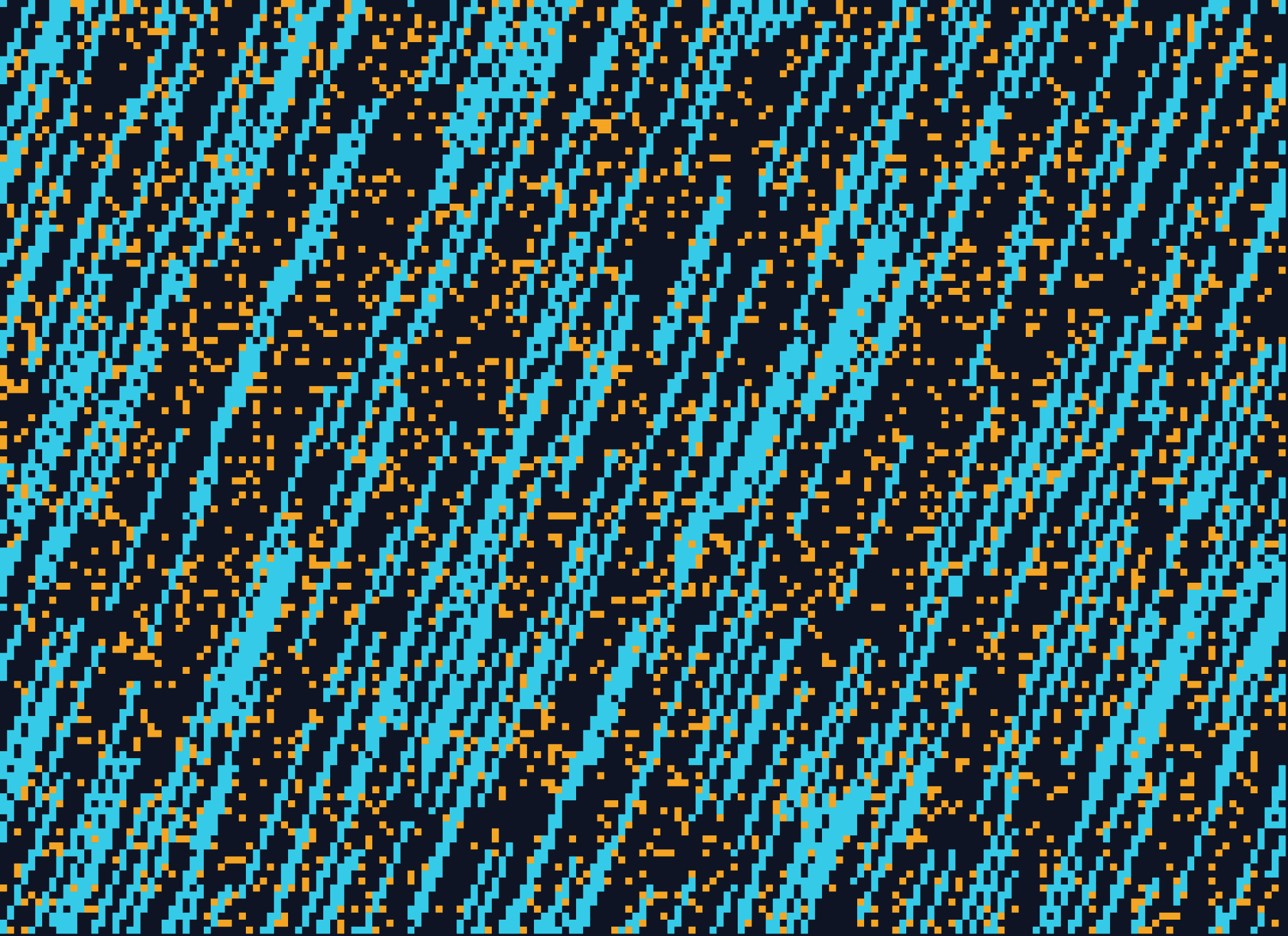
Tiling
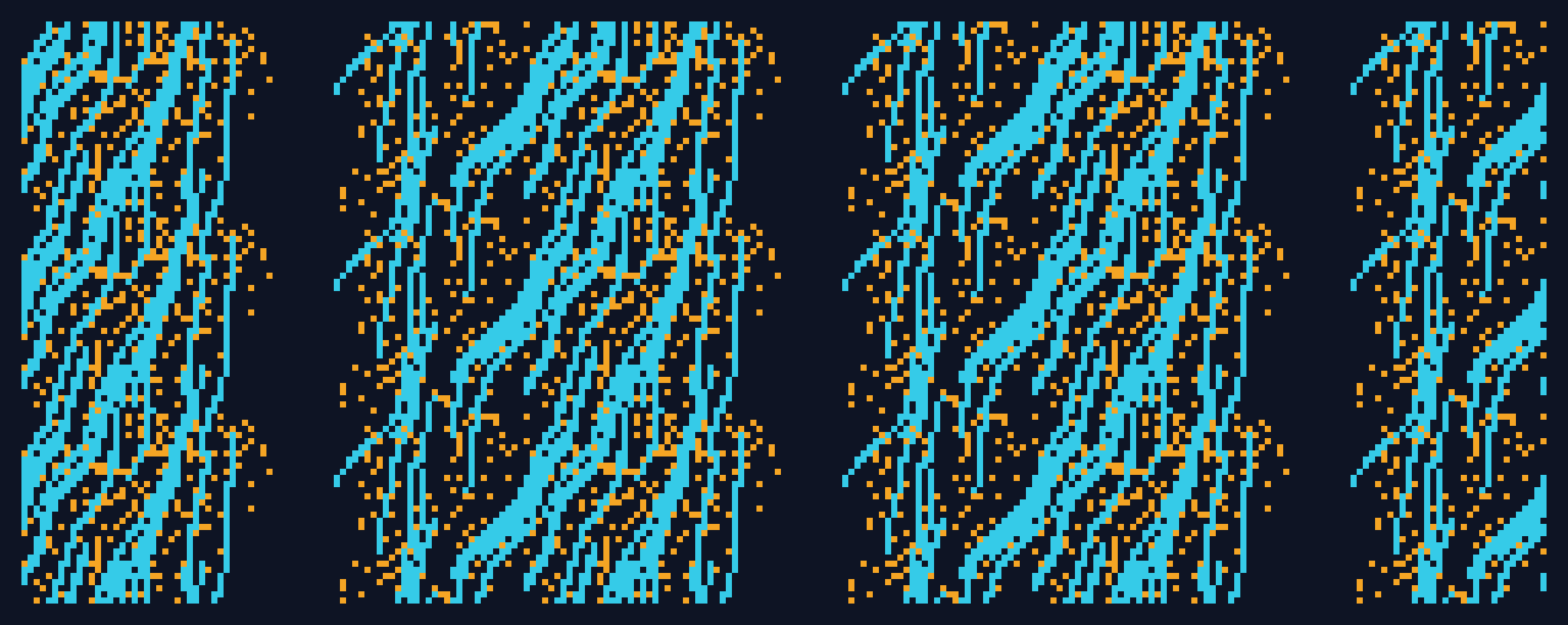
The most common ask is a background, which means it has to tile. Tile repeats the unique region across the grid by index, with no reflection, so the result runs edge to edge with nothing to give away where one copy ends. The same decoupling draws the favicon at 64px, by the exact functions that draw the main artwork.
Motion, and Its Six Shapes
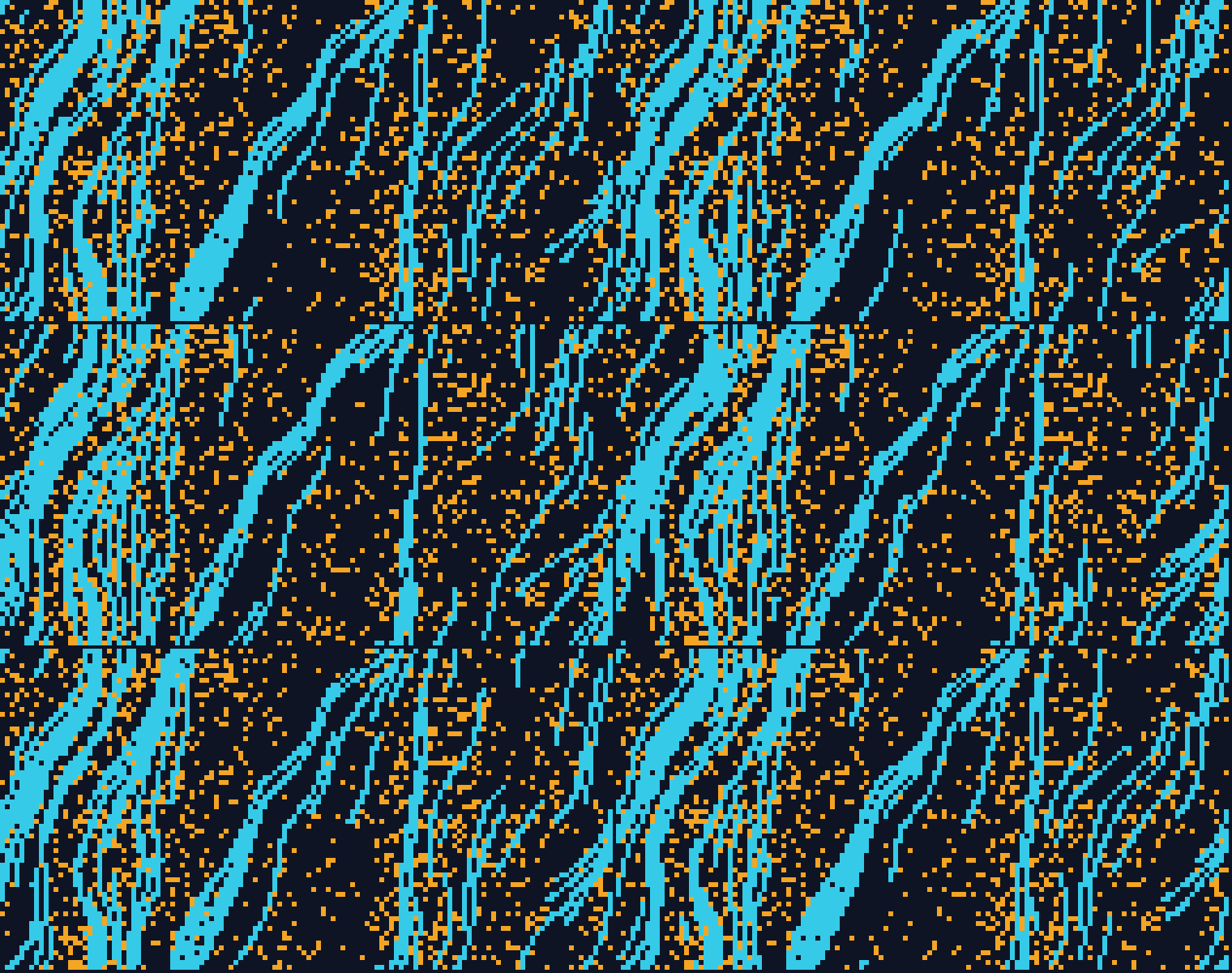
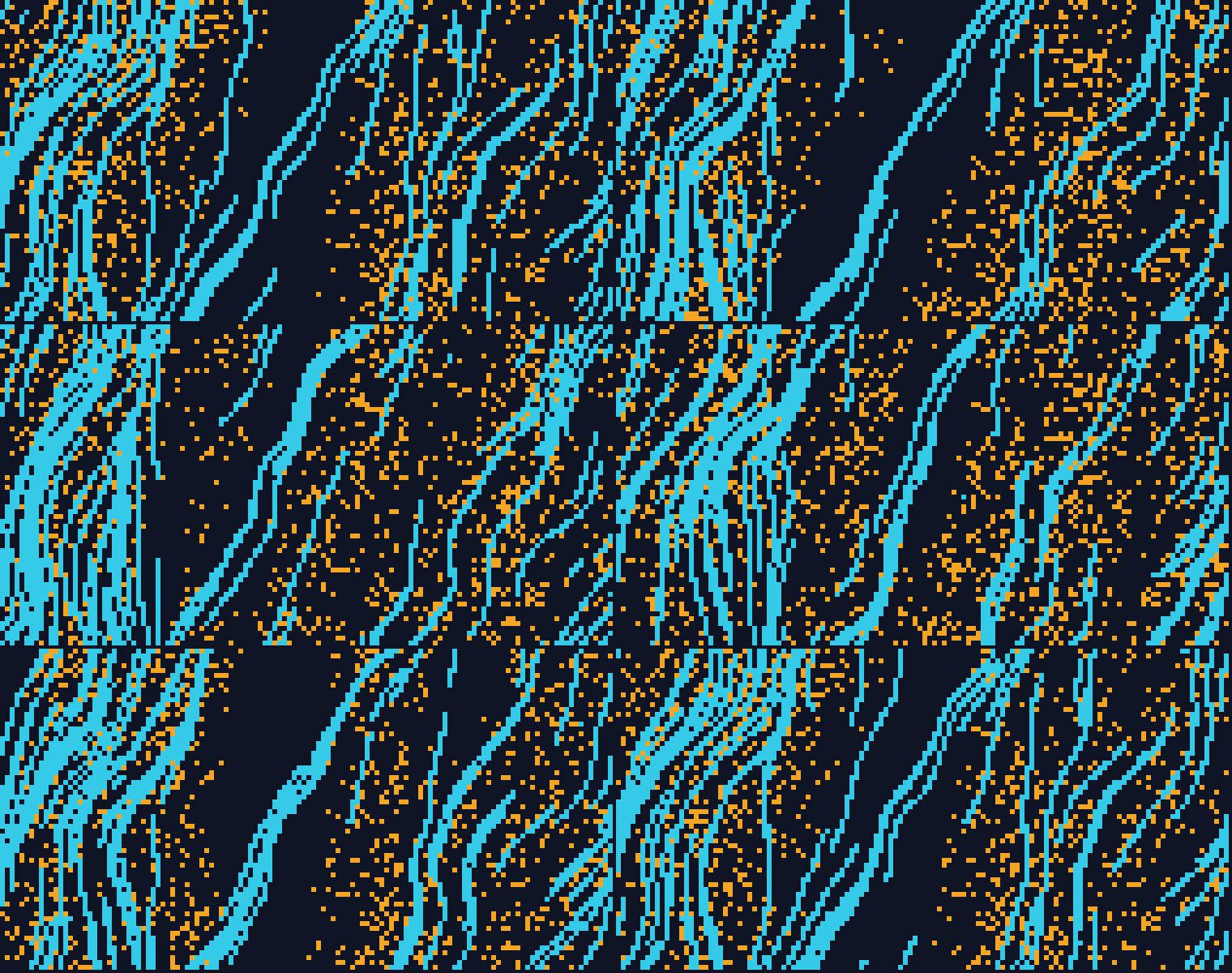
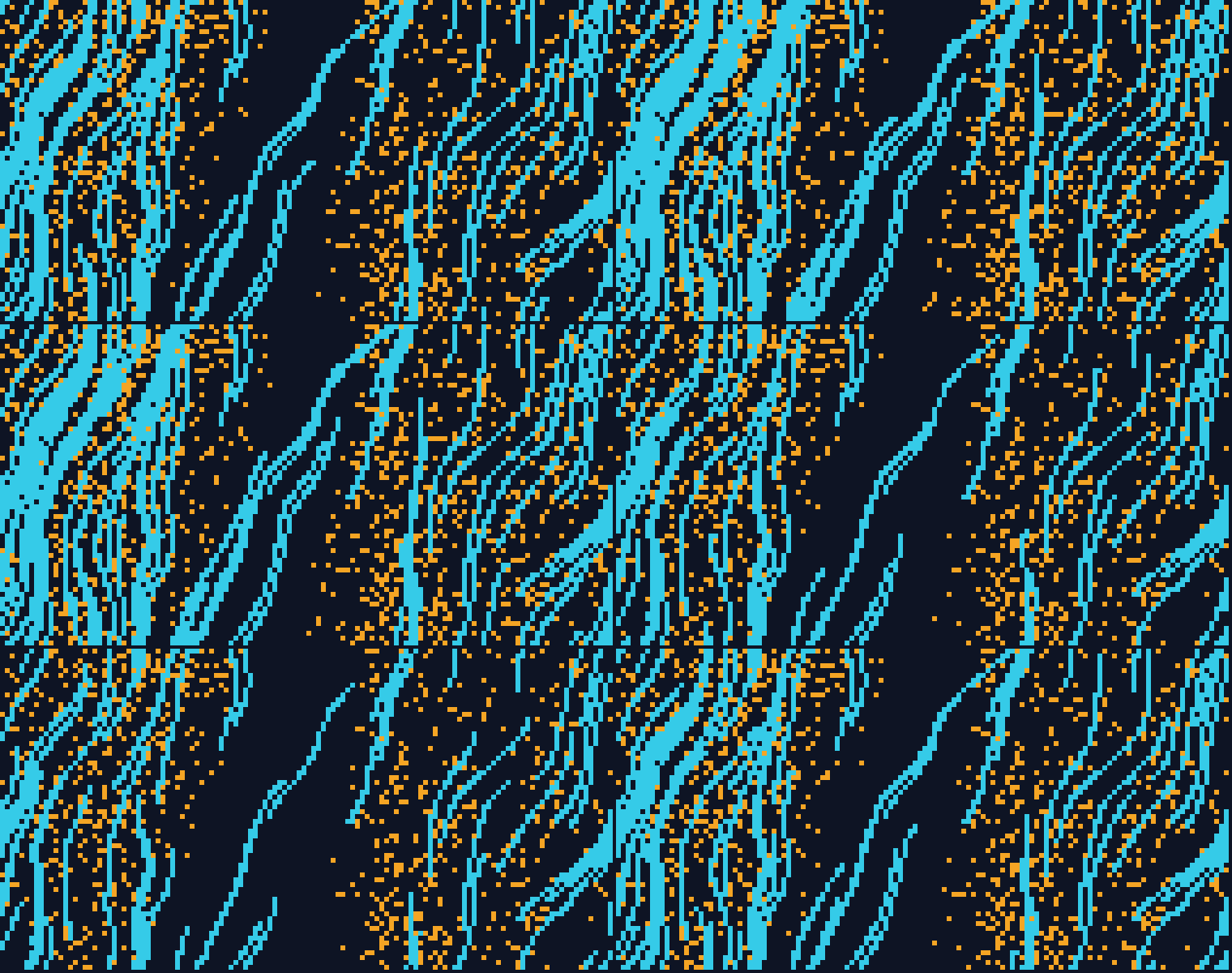
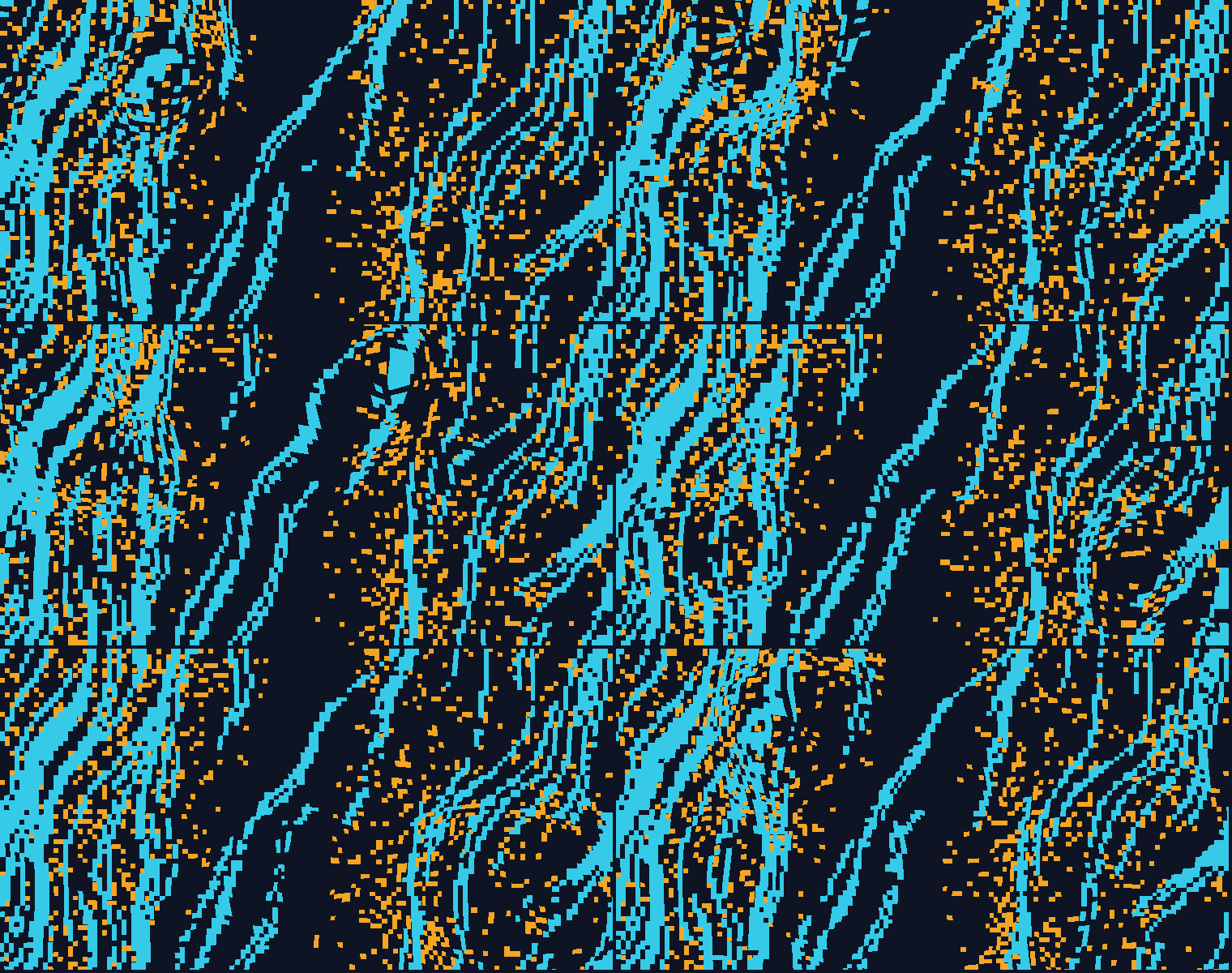
Motion adds a duration to the still and changes nothing else about it. The still is one frame of the cycle and the cycle returns to it, so phase runs nought to one and the last frame is the first. A background that loops cleanly sits behind a page with no cut to give it away, which is what makes it usable instead of decorative.
One Cycle, Five Phases
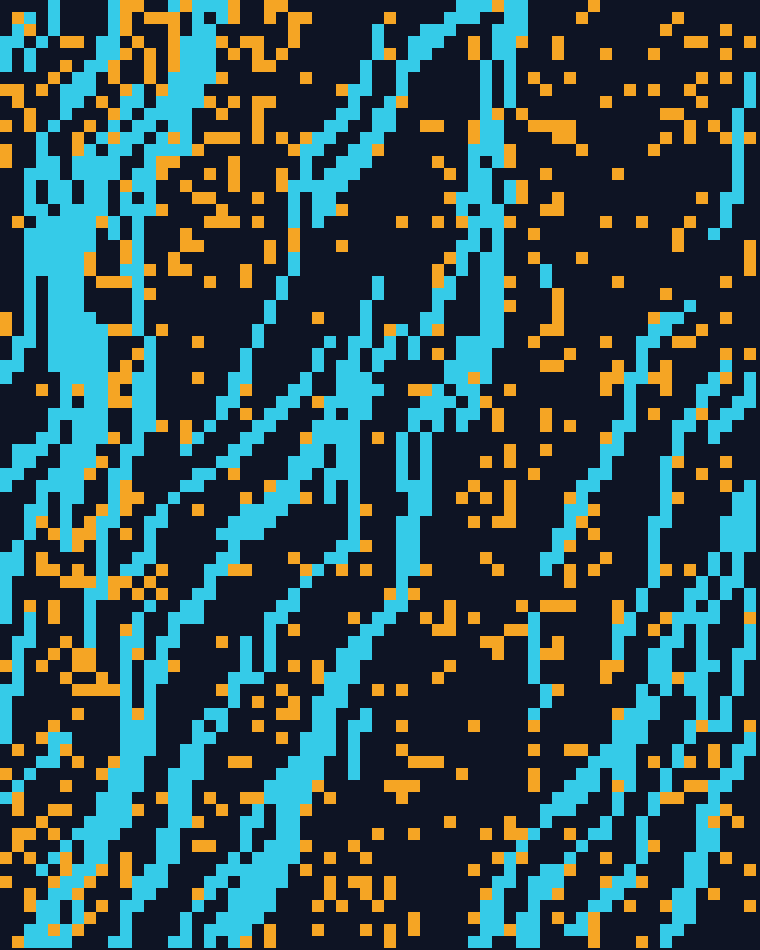
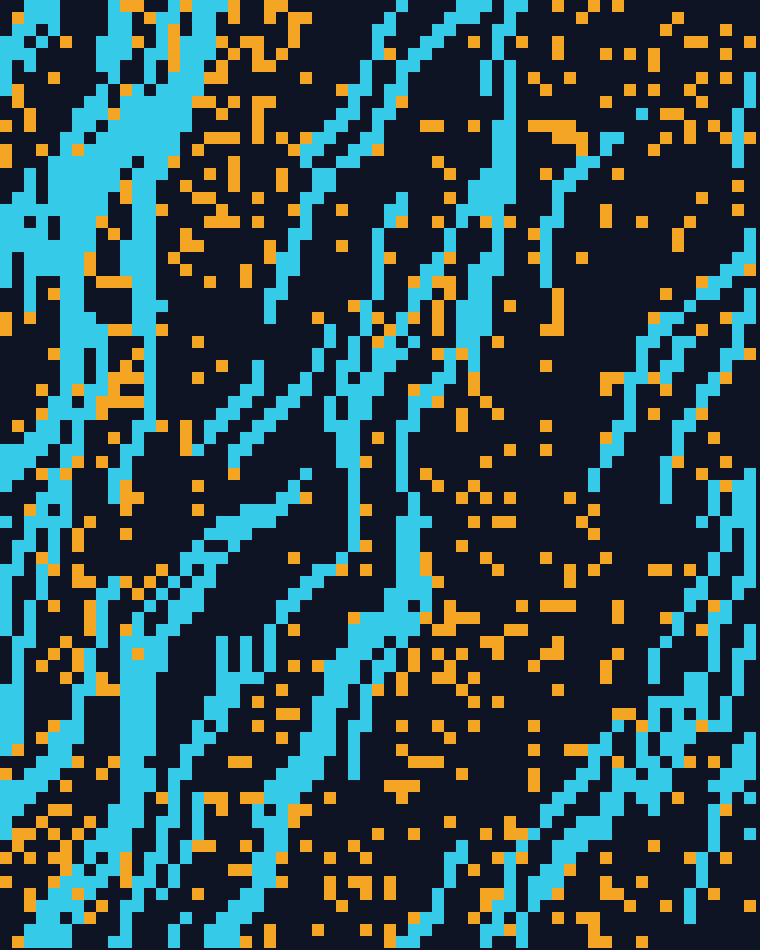
The same composition at nought, a quarter, a half, three quarters and back to nought. Nothing about the asset changes except that it now has a duration, which is why a still and its animation are the same file with one more number.
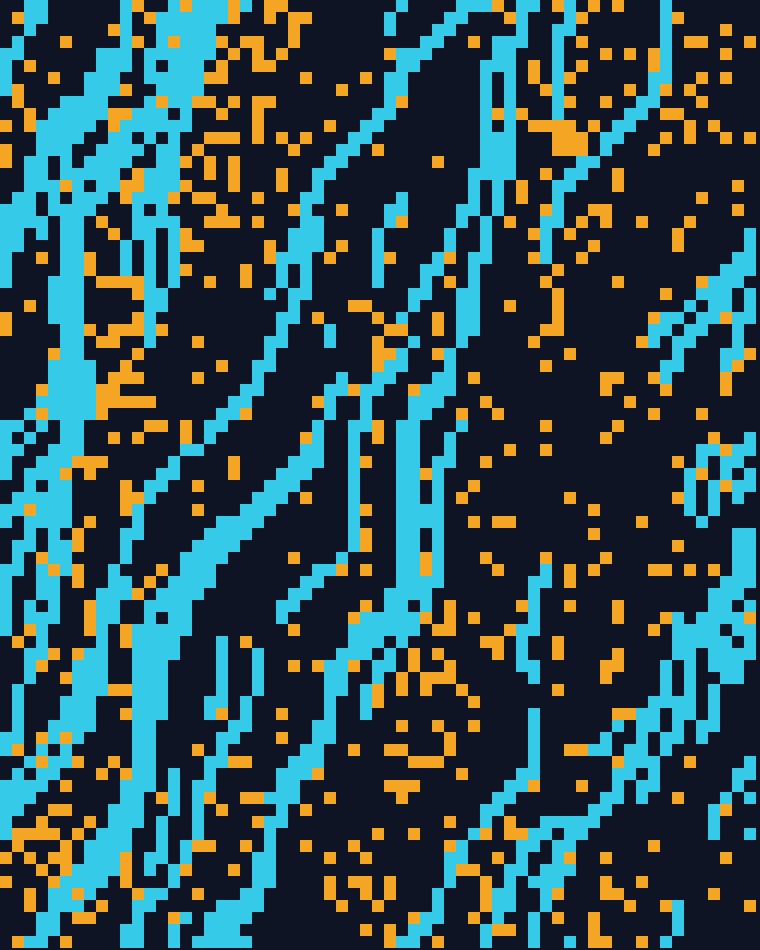
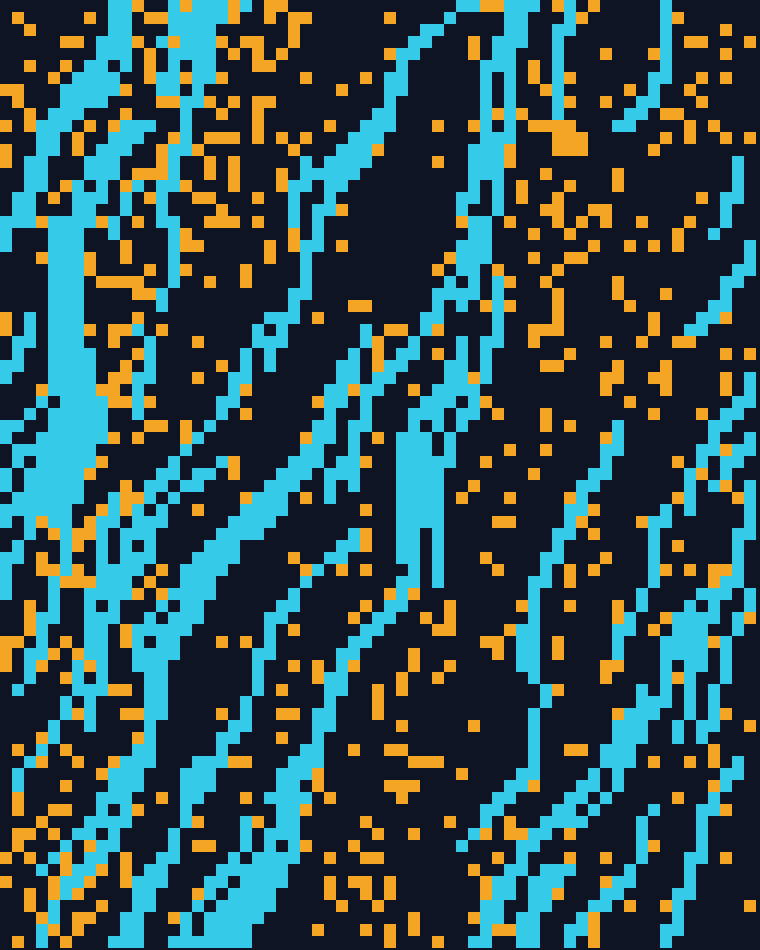
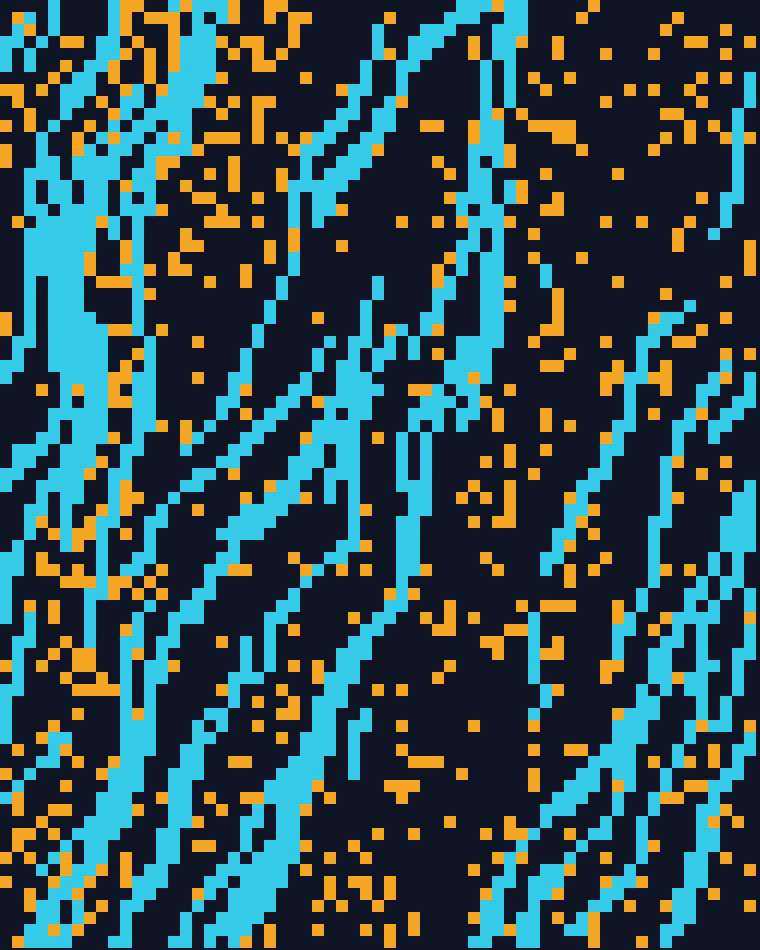
The Six Motions
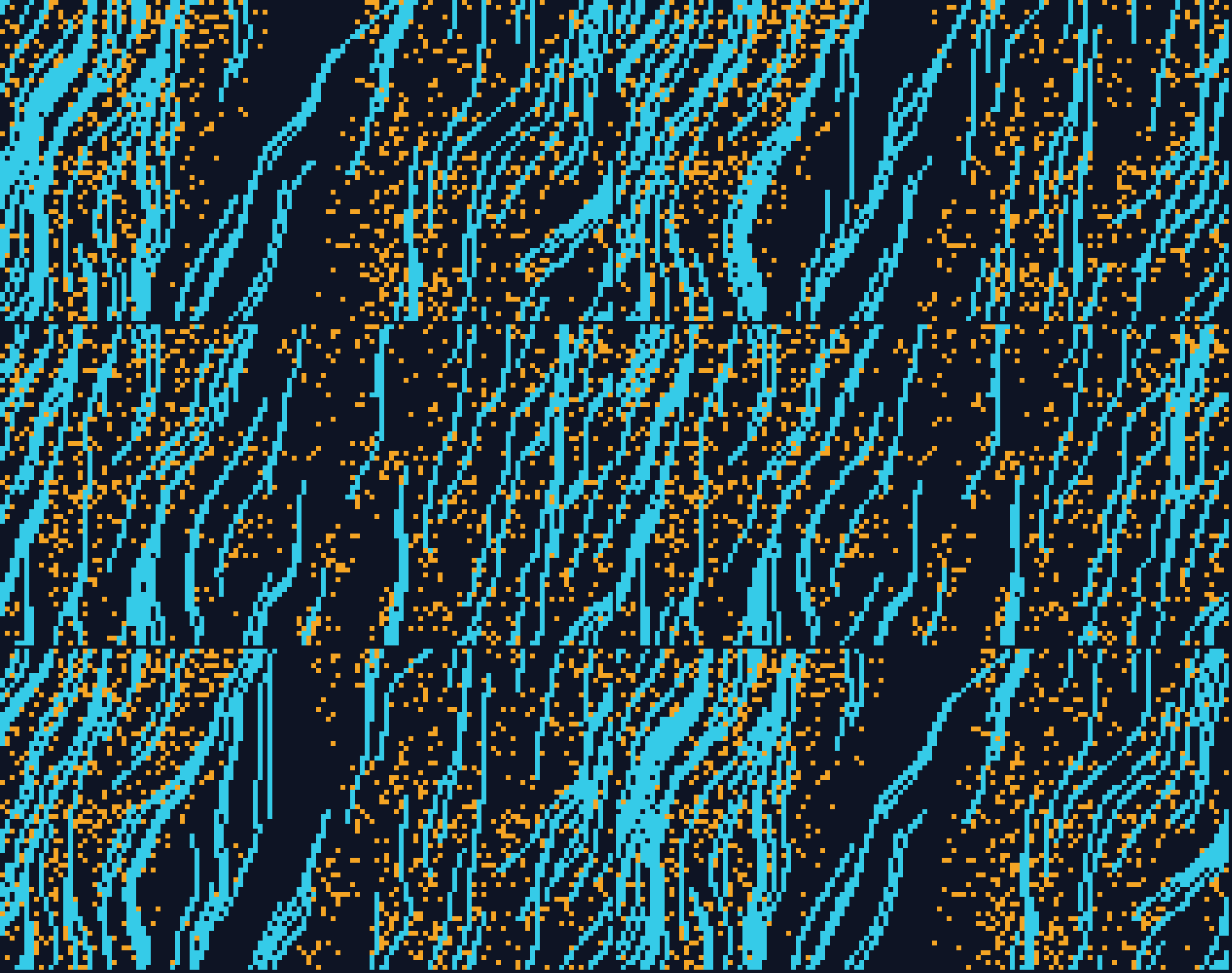
They divide by what they act on. Loop circles the point the field is sampled from, so the surface turns without going anywhere. Drift runs the particles along the flow instead of turning the flow under them. Wind holds the broad shapes still and passes a gust over them. Pulse touches no field at all, swinging each layer's density forty percent either way. Ripple is rain, where seeded drops land at their own moments and crossing rings add. Tide is the only one where the layers touch, each field pushed along the ridges of the other.
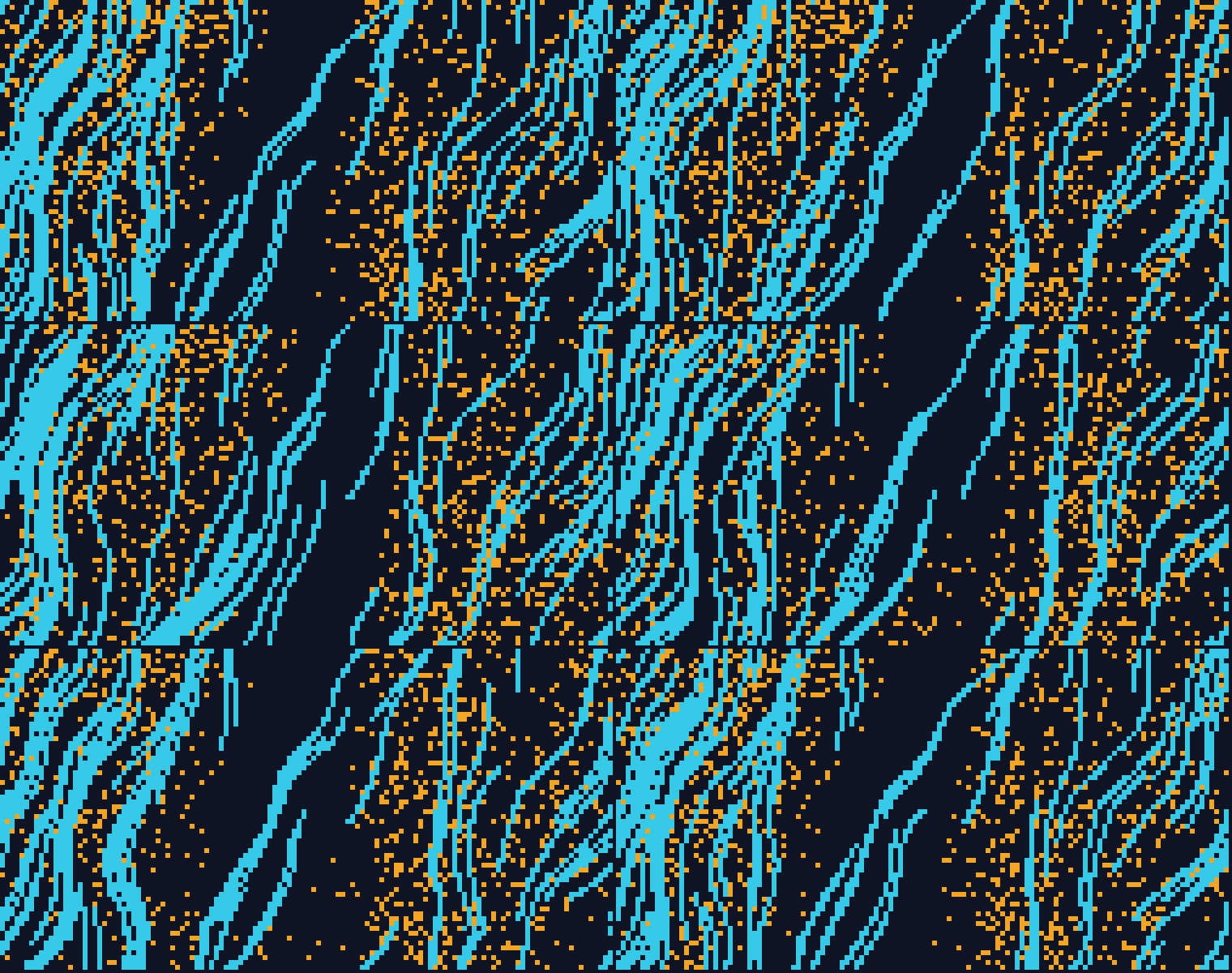
Why They Read Apart
Every clip is thirty two frames of one eight second cycle, on the same seeds and palette as the stills. They share a speed and do not look like it, because Loop, Pulse and Tide resample their blocks in place while Drift slides a whole pattern across the frame. Wind and Tide carry twice the depth of the rest, since the default leaves their gust and their push too little to work with.
The Sitemap
The writing around the tool is part of the work. A tool that makes something most people have no word for has to explain the thing before it can offer to make it. The pages that do the explaining are also the only ones a search engine has anything to index.
Four supporting pages carry that, and the shape is deliberately flat. Three answer a question someone actually types, answer it properly before mentioning the product, and link to the tool. The fourth is the guide, written for someone already using it. None is a funnel step: a reader who only wanted to know what a flow field is gets told, and leaves better off.
What Reaches Each Page
"what is a flow field"
What is a flow field?/flow-fields/"seamless tiling background"
Tiling background, no image/seamless-backgrounds/"looping animated background"
Looping animated background/animated-backgrounds/already using the tool
Guide/guide/
and to each other
Every page draws its examples live, with the generator the tool runs on
- A link on the page
- In the markup only
The guide is the only visible way out of the tool. From any supporting page the tool is one click away. Going the other way, the tool's footer links the guide and the guide leads on to the three explainers, in its body and in its own footer. The tool also lists those three in a screen-reader paragraph, out of the tab order, which puts them one hop from the homepage for a crawler where a reader takes two.
Found By
- sitemap.xml five URLs, named in robots.txt and submitted in both consoles
- Google takes the sitemap, and nothing else: it does not accept IndexNow
- Bing, Yandex, Seznam, Naver take an IndexNow ping on every push that touches a page
- Both consoles are verified by a DNS record rather than by a tag or a file
Served From
- Cloudflare Worker at flield.com, with GitHub Pages live behind it as a fallback
- _headers sets the content policy, nosniff, and cache rules for versioned assets
- www to the bare domain 301 with the query string kept, so a shared link survives
- Cloudflare Web Analytics the only request the page makes to anyone else
Live Examples on Every Page
None of the four carries a picture of output. Every panel on them is drawn live by the same code the app runs, because a page that demonstrates the thing it defines beats one that describes it, and it costs nothing extra when the generator is already a set of plain functions.
The Unglamorous Half
The technical side is unglamorous and most of it is free. A sitemap and a robots file, descriptive titles that match what a person would type, response headers set at the edge, and every dependency vendored so nothing blocks on a third party.
Where The Last Six Points Came From
The structure earned most of the accessibility score on its own, because the controls were built as controls: every slider a real input, every toggle a button with a label. The first run scored 94 and the whole gap was text contrast. The footer and the empty save slots used a small gray at 4.1:1 on the dark ground, which is a brighter gray at 7.7:1 now, and the content column became a main landmark. The same pass took 168ms of forced layout off startup, which is most of the distance from 89 to 95 on mobile.
Three Pieces Planned
Each follows from a decision already made, and none is a change of direction.
The generator is already plain functions with no dependency on the document until the final draw, so an interface for it is a decision about shape rather than a rewrite. State in a URL is right for handing someone one composition and every control it was built with, and the next step is holding a run of them together. Instrumenting the writing comes last, because the pages had to exist before there was anything to measure.
An API
- Forty controls, driven once per asset
- A campaign's worth of variations in one call
Sets, not single links
- One composition per URL, and a tab you cannot close
- A palette and the seeds that worked against it, kept together
Knowing what the writing does
- Lighthouse says the page is fast and reachable
- Which pages bring people, and which compositions get shared
Notes
Impact
Tools
- JavaScript
- HTML & CSS
- Canvas API, opens in a new tab
- Cloudflare, opens in a new tab
- GitHub Actions, opens in a new tab